Overview of Account Reconciliation Home
When you first access Account Reconciliation, Home provides easy access to features. The interface provides an intuitive user experience and an overview for quick access to commonly used functions.
This is an example of the Redwood theme. Depending on your role, you may see all or only some of these icons.
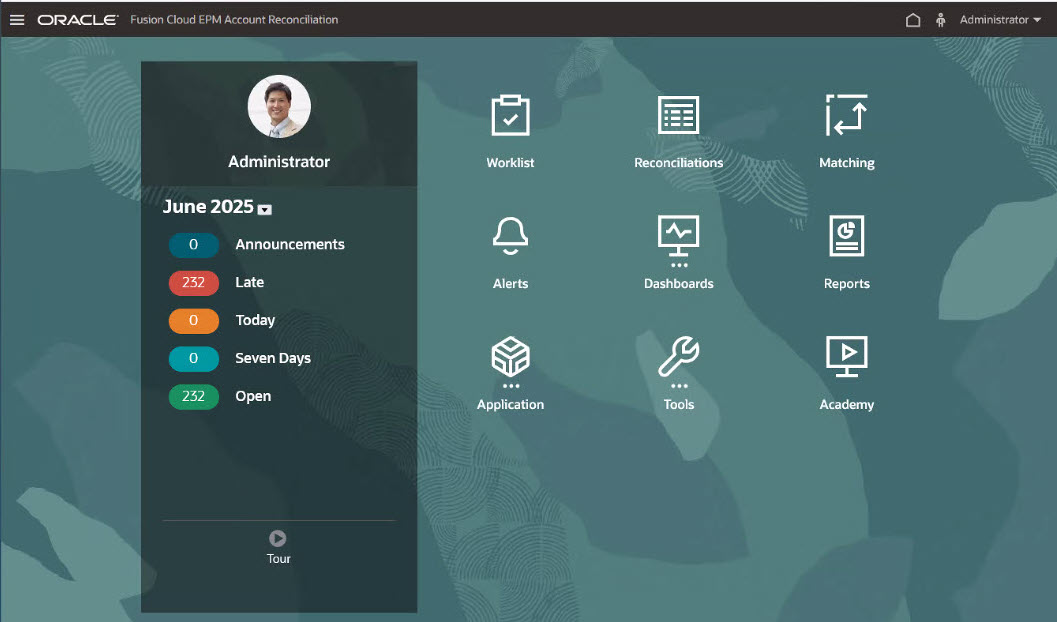
On the Appearance page, you can add a branding logo and background images to the Home page. To change the general look and feel of your environment, see Customizing Your Display in Administering Planning.
The Home page contains the following:
Note:
When using Firefox, the vertical and horizontal scroll bars are not consistently visible and only appear when hovering over the scroll area. To display the scrollbars, modify the Microsoft Windows settings. In the Settings page, select Accessibility, and then Visual Effects. Set Always Show Scroll Bars to On.