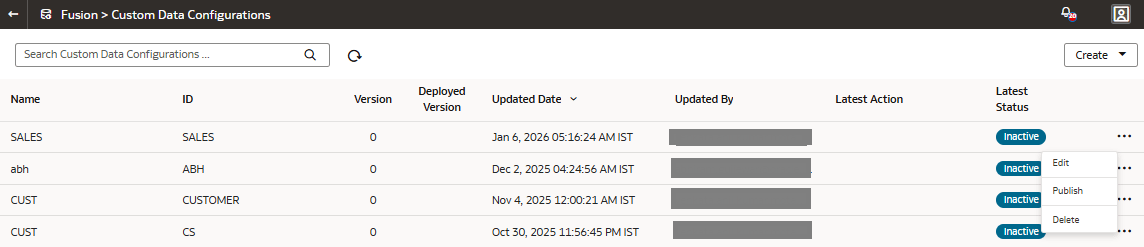
Activate the Descriptive Flex Fields
After selecting the attributes for the descriptive flex fields (DFFs) that you want, you must publish them to activate and enable data load.
When you publish the selected DFFs, the system initializes the custom application for activation. The system evaluates the selections for the DFFs and prepares the application for deployment. It changes the status to scheduled and after processing, sets the custom application as active. Next, the system connects to the source system and extracts the data for the selected flex fields and their attributes. Once the data is copied to the warehouse, the data is visible for analysis in the subject areas. The subsequent incremental data loads copy the data for the DFFs to the warehouse automatically.
- In Actions, click Publish.