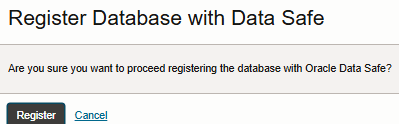
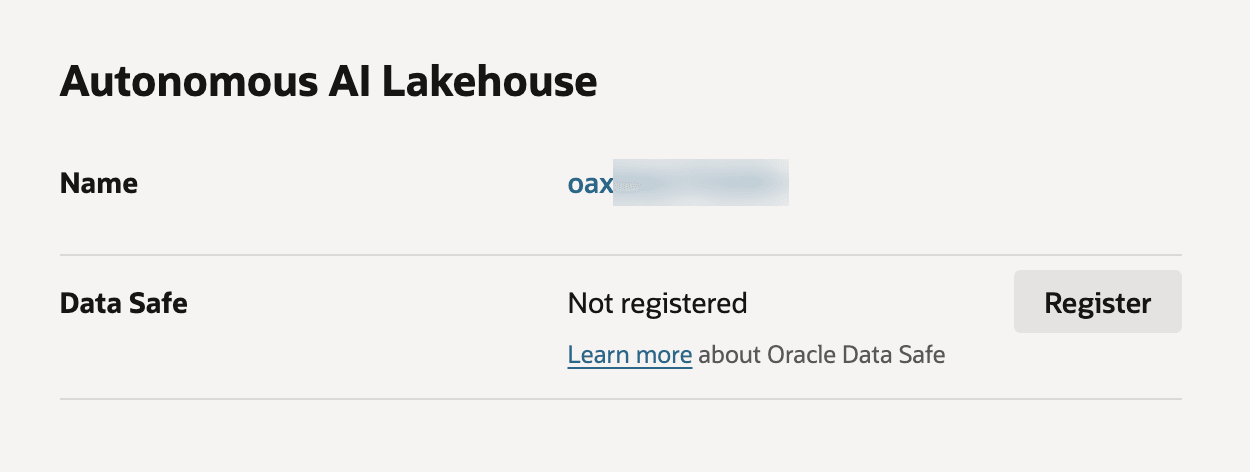
Enable Data Safe
For a new user of Oracle Fusion Data Intelligence from the Platform 25.R3 release, the Data Safe capability is enabled by default.
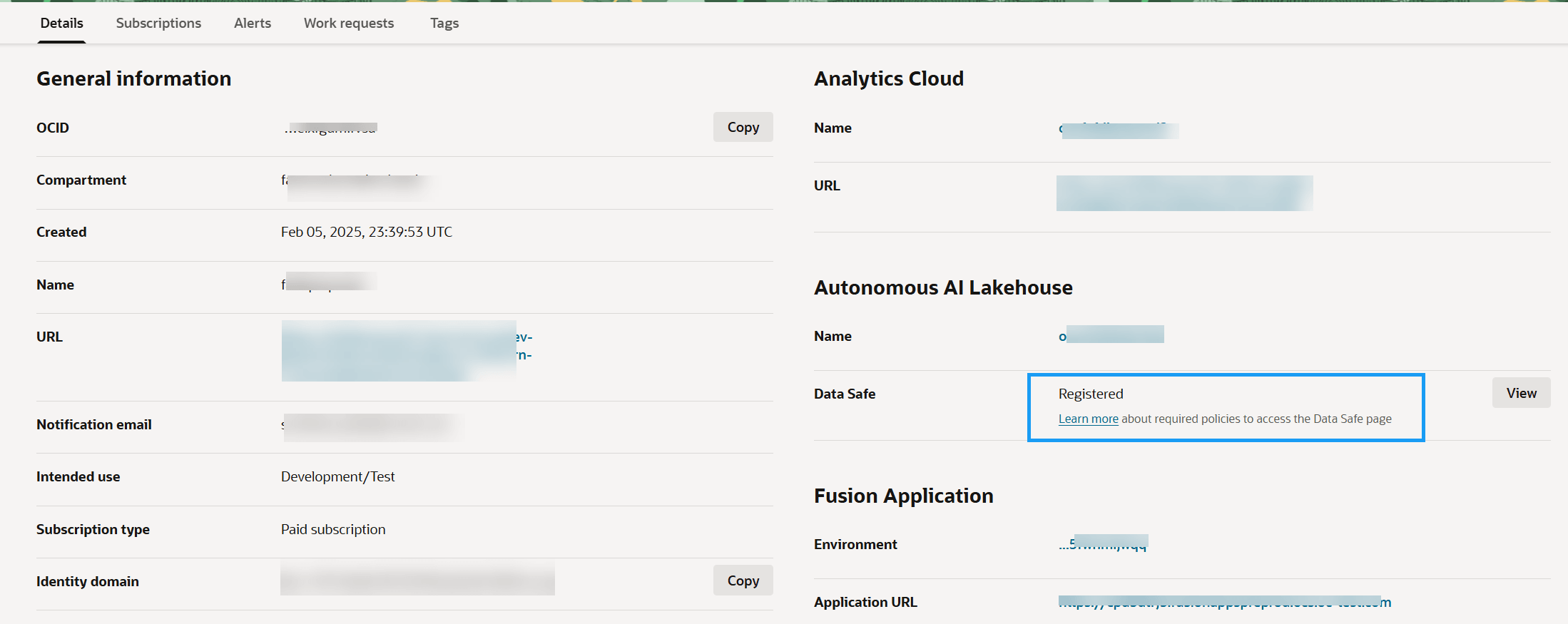
Description of the illustration fawag-data-safe-registered-detailspage-oak.png
If you’re an existing user, you can enable the Data Safe capability from the Oracle Fusion Data Intelligence instance details page. After enabling Data Safe, to know how to use the Data Safe capability, see Use Oracle Data Safe Features.
- On the instance details page, under Autonomous AI Lakehouse, for Data Safe, click Register.
- In Register Database with Data Safe, click Register.