Merge Customization Sandbox to Main Sandbox

After you prepare, validate, and apply the latest changes to your sandbox, you can merge your sandbox with the main Sandbox.

  1. Sign in to your service.
  2. In Oracle Fusion Data Intelligence Console, click Semantic Model Extensions under Application Administration.
  3. On the Semantic Model Extensions page, click User Extensions.
  4. On the Semantic Model Extensions page, under Customizations Sandbox, hover over an applicable sandbox to view Actions, and then click Merge to Main Sandbox.
  5. In Confirm Merge with Main, review the message and click Merge.
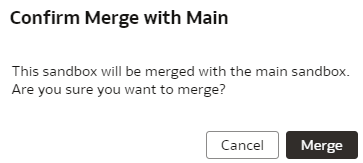
    Confirm merge with main option