Update Your Subscriptions
You can increase the number of users in an existing Oracle Fusion Data Intelligence subscription or add a new subscription to your existing Oracle Fusion Data Intelligence subscription by contacting your sales representative.
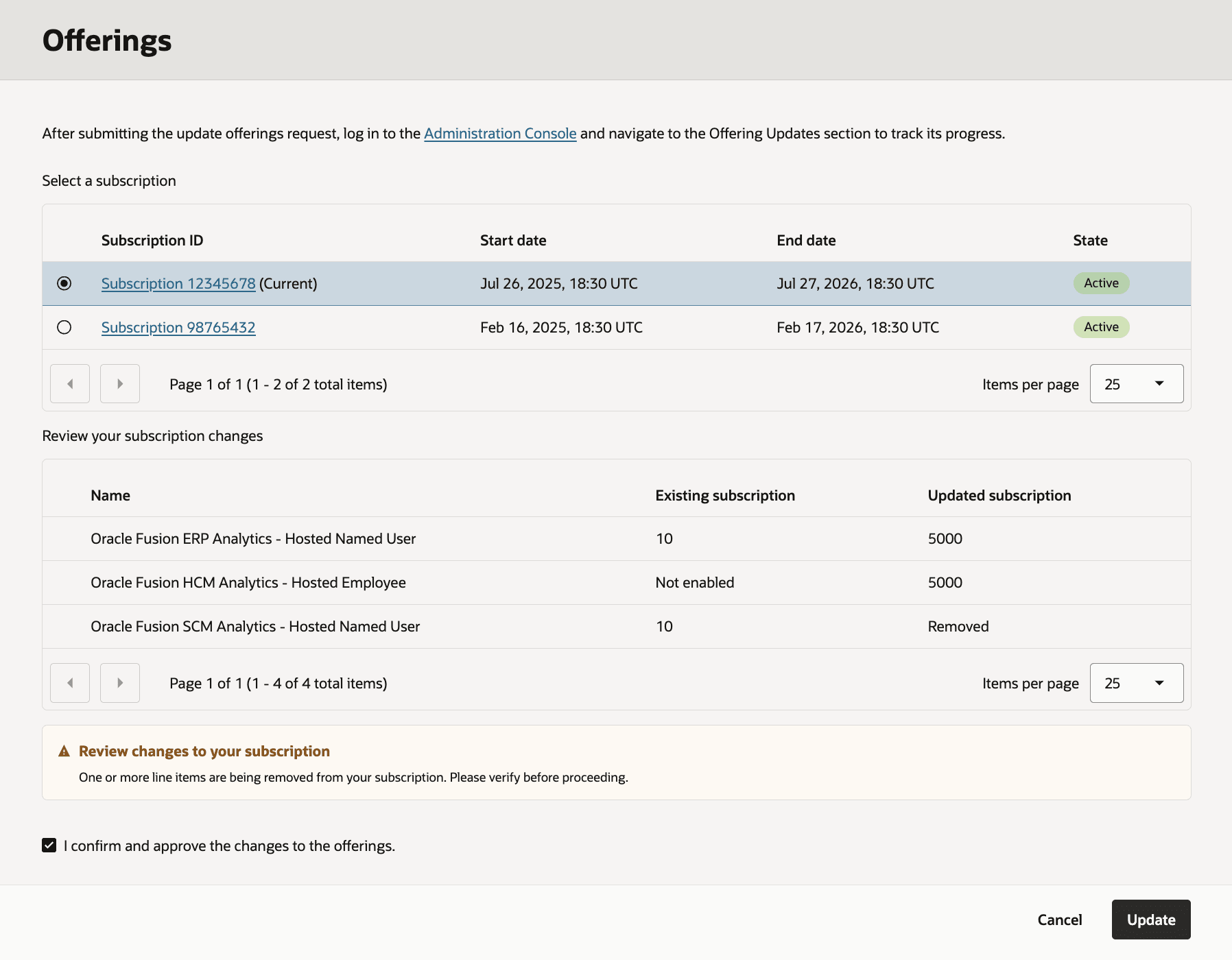
For example, you can add the Oracle Fusion HCM Analytics service to your existing Oracle Fusion Data Intelligence subscription that already has Oracle Fusion ERP Analytics. You can replace an expired subscription with an active subscription that meets your business requirements.
You can monitor the offering updates, know how to fix update issues, and resume update after resolving the issues. After your order for addition or modification of subscriptions is processed, you’ll receive an email informing you that your order has been processed and the subscriptions have been updated.
- In Offerings, select the applicable subscription and verify that the changes to your subscriptions match the order of subscription updates.
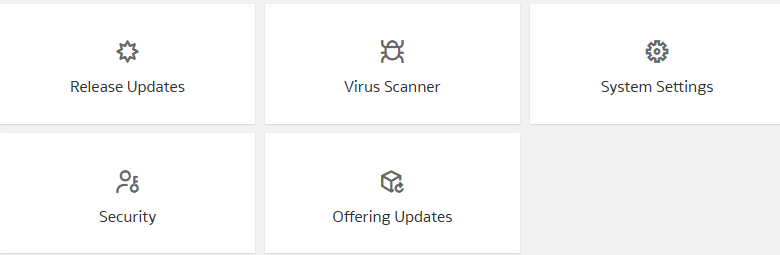
- Sign into Oracle Fusion Data Intelligence and on the Administration Console, click Offering Updates under Service Administration.
- For offering updates with Failed status, click the status to view the details. In Details, click More Details to know the appropriate action you can take to resolve the issue and click OK to close the Details dialog. After resolving the issue, select the Necessary steps are performed check box and click Resume update.