View the Activity History of Bundles
View all the bundles-related activities to understand the changes made to your instance, which bundles to use, and whether the existing bundles are still current. This information enables you to make informed decisions about creating updated bundles or deploying an existing bundle.
You see all the activities by bundle-related action, bundle names, bundle type, status, user who performed the activity, and date. You can organize the display by sorting columns, searching for activities, and filtering by action, bundle type, or status. For a data configuration bundle, you can view a report of:
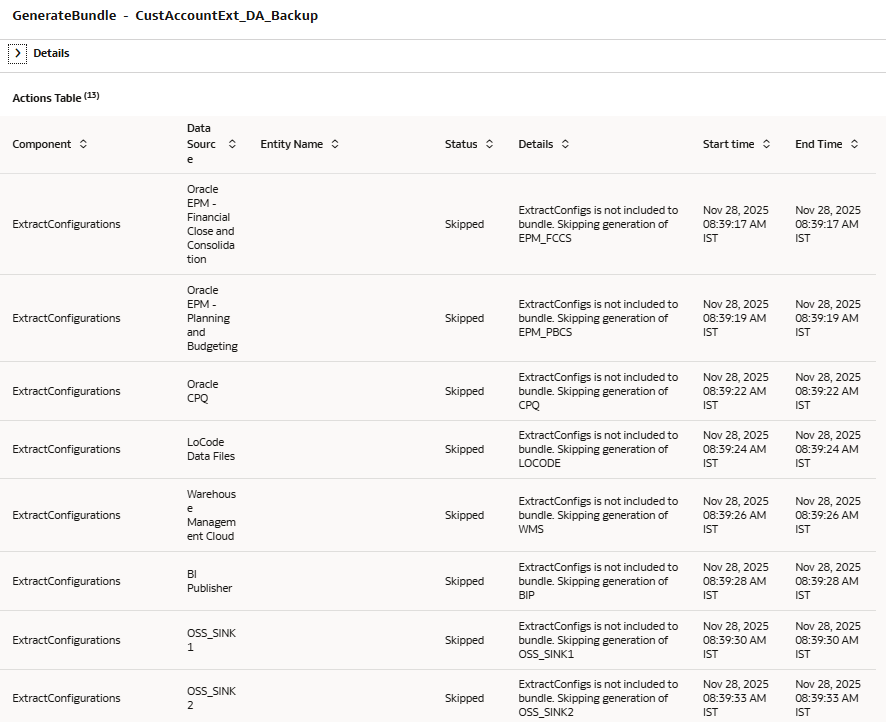
- What was done when generate bundle was invoked.
- What was applied in the target system when the bundle was deployed.
- On the Bundles page, click the Activity tab.
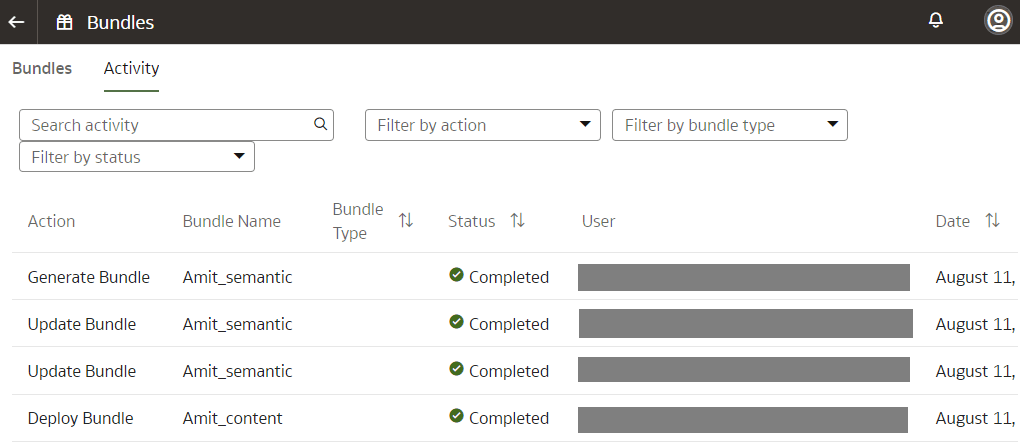
- For the data configuration bundle-related generate and deploy activities, click the Action icon to view the activity details.
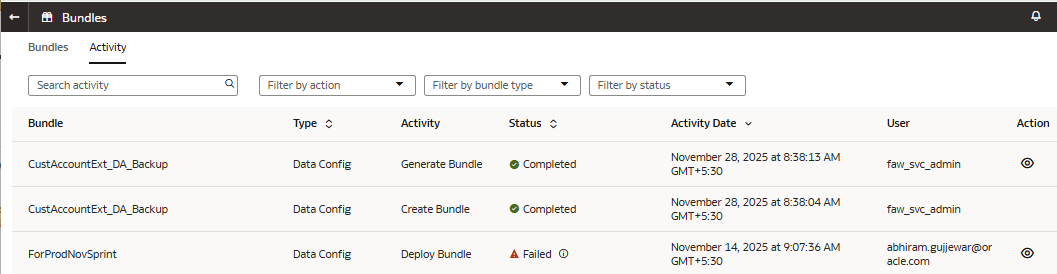
For example, click the Action icon for a generate data configuration bundle activity to view the details.