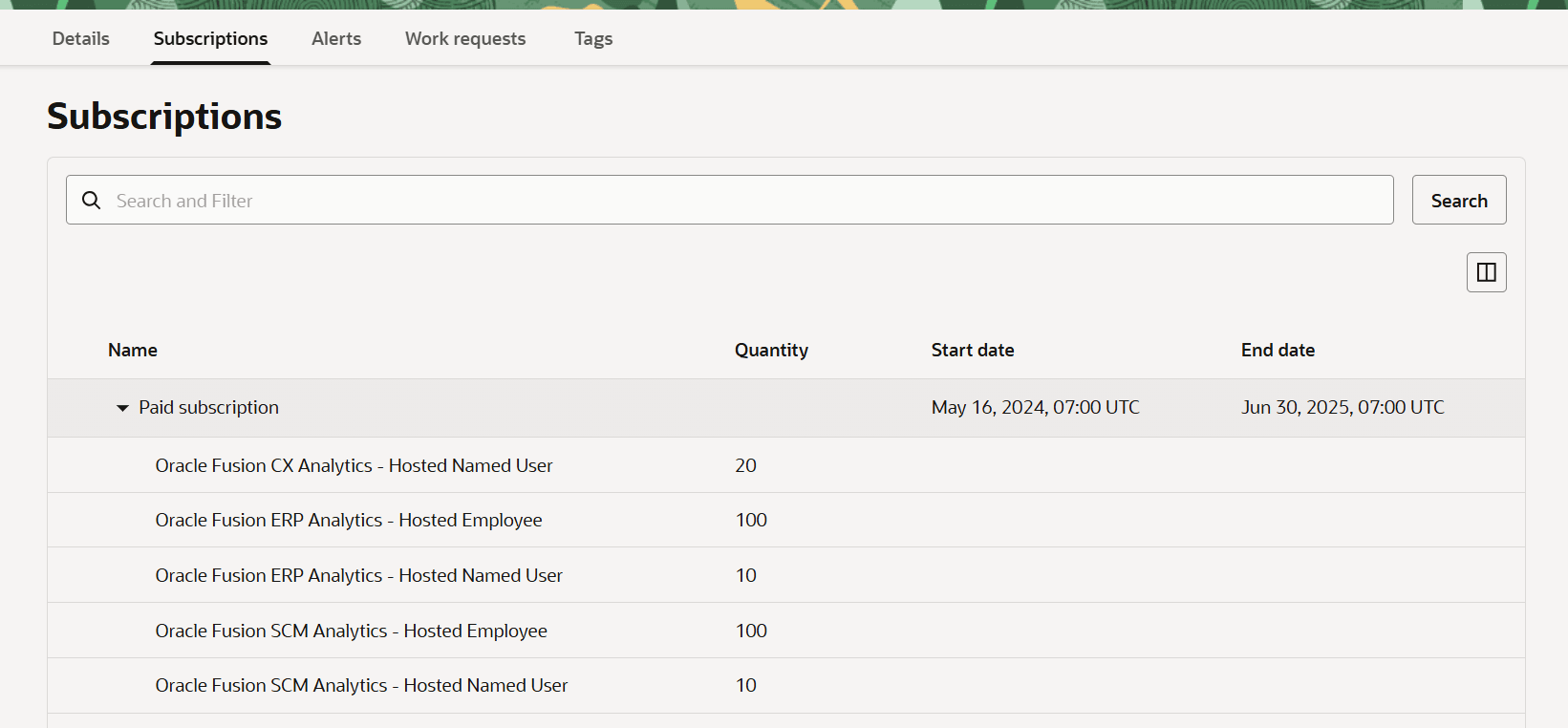
View Subscriptions View the subscriptions associated with your instance. Sign in to the Oracle Cloud Infrastructure Console. In Oracle Cloud Infrastructure Console, click the Navigation menu icon in the top left corner. Click Analytics & AI. Under Analytics, click Data Intelligence. Navigate to your service instances page. On the Instances page, click the instance for which you want to view the subscriptions. On the instance details page, click Subscriptions. Description of the illustration fawag-multi-subscriptions2-oak.png