Configure the Wallet Rotation Frequency for the Oracle Autonomous AI Lakehouse
Oracle Fusion Data Intelligence automatically rotates your Oracle Autonomous AI Lakehouse wallet if you don't rotate it within 90 days or within the rotation frequency you selected.
To meet your organizational compliance standards, you have the option to configure a different rotation frequency for the Oracle Autonomous AI Lakehouse wallet.
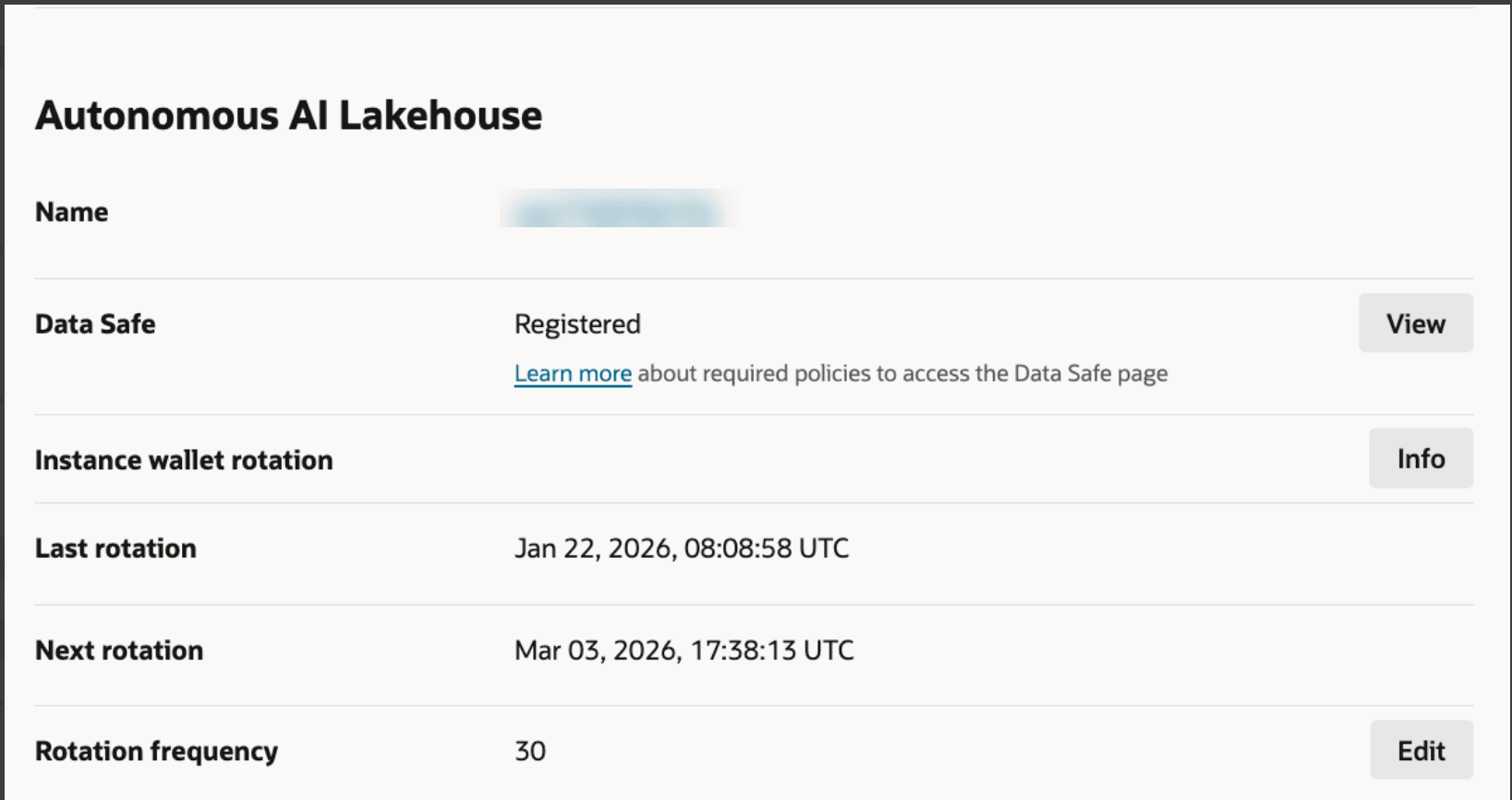
- On the Oracle Fusion Data Intelligence instance details page, view the Instance wallet rotation details:
- Click Edit to change the frequency of the rotation.
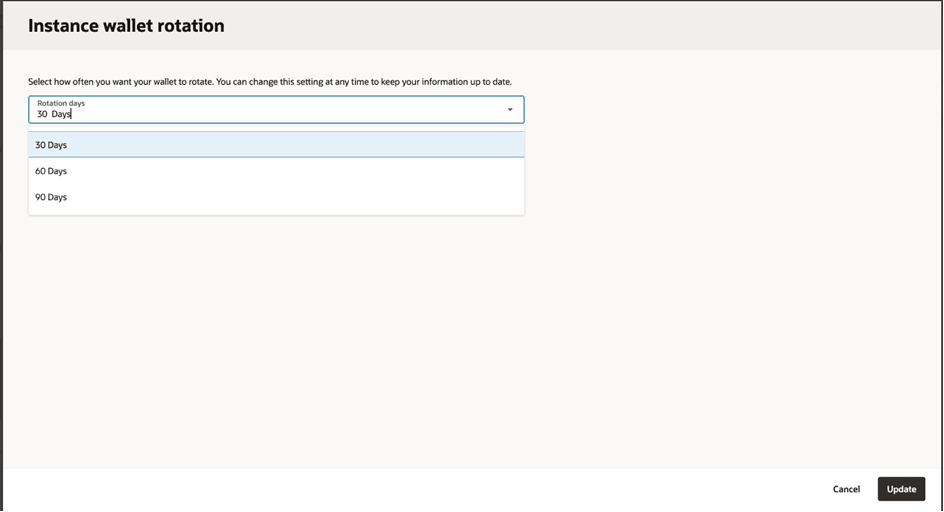
- Select an option: 30 Days, 60 Days, or 90 Days.
- Click Update.
A message confirms when the wallet rotation frequency is updated.