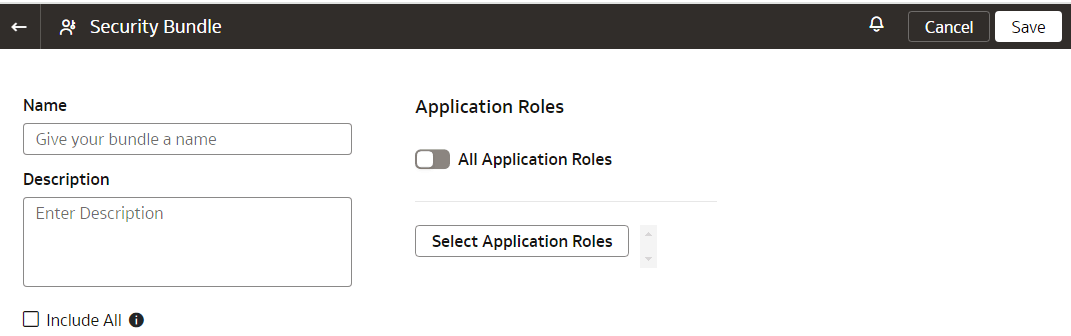
Create a Security Bundle
Create a snapshot of your application security artifacts to save their current state.
- On the Bundles page, click Create.
- Select the applicable option:Select the Include all security settings check box or select all the application roles. If the number of application roles exceed 1000, then you may encounter an error. In such a case, use the Select Application Roles button to select specific roles.
Note:
If you have the enhanced security capability of Oracle Fusion Data Intelligence , then you no longer can specifically select groups as part of the Security bundle. See About Managing Users, Groups, Application Roles, and Data Access.Note:
If you have the enhanced security capability of Oracle Fusion Data Intelligence , then you no longer can specifically select groups as part of the Security bundle. See About Managing Users, Groups, and Application Roles.