Import a Bundle
Import the bundle .aab file into the target environment from your computer to restore the state of the application to the checkpoint represented by the bundle.
- On the Bundles page, click Import.
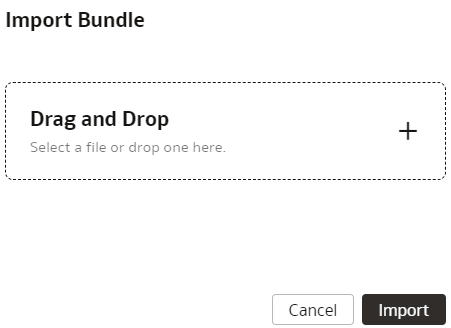
- In the Import Bundle dialog, click in Drag and Drop, and then select the applicable .aab file from your local machine.