Accessing the Enhanced PCM Agent
The enhanced PCM Agent is embedded in these modeling pages to streamline common modeling tasks:
-
Models
-
Rule Designer - Waterfall Setup
-
Rule Designer - Mass Edit
-
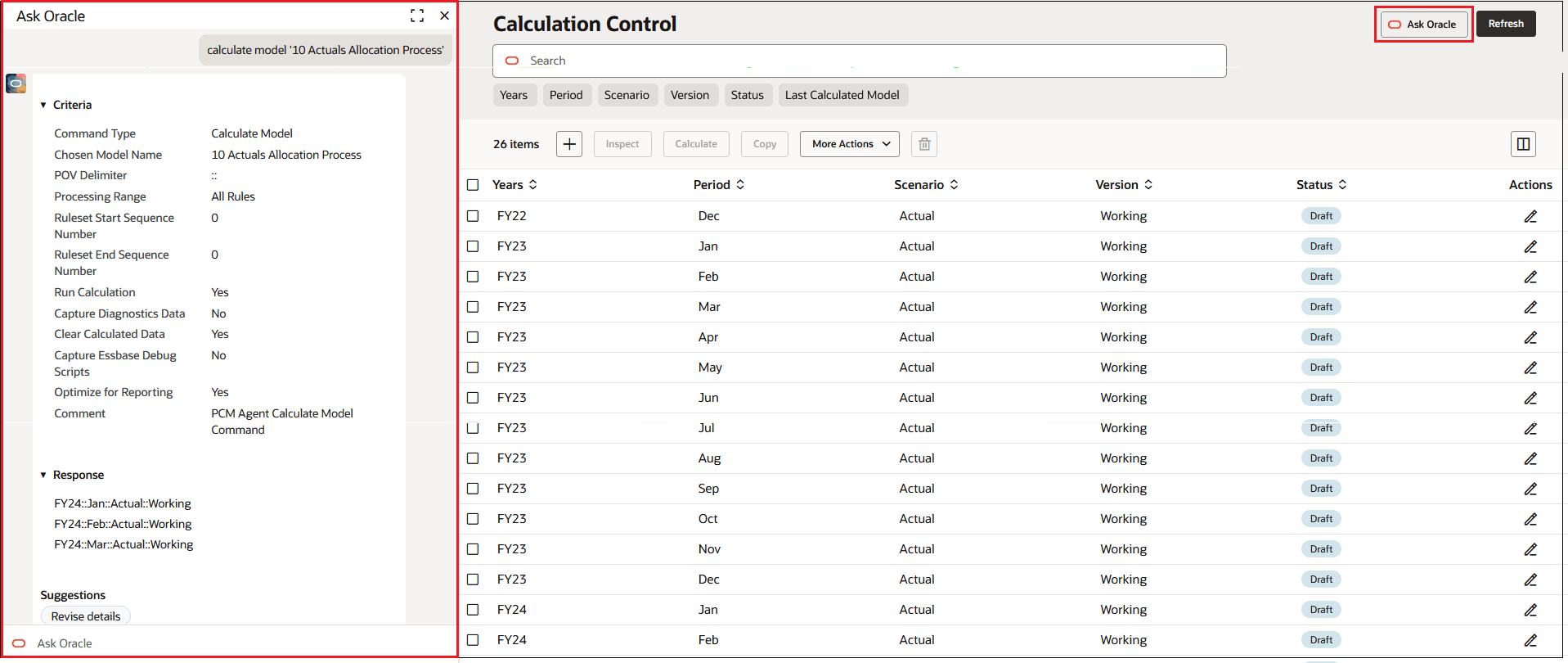
Calculation Control
-
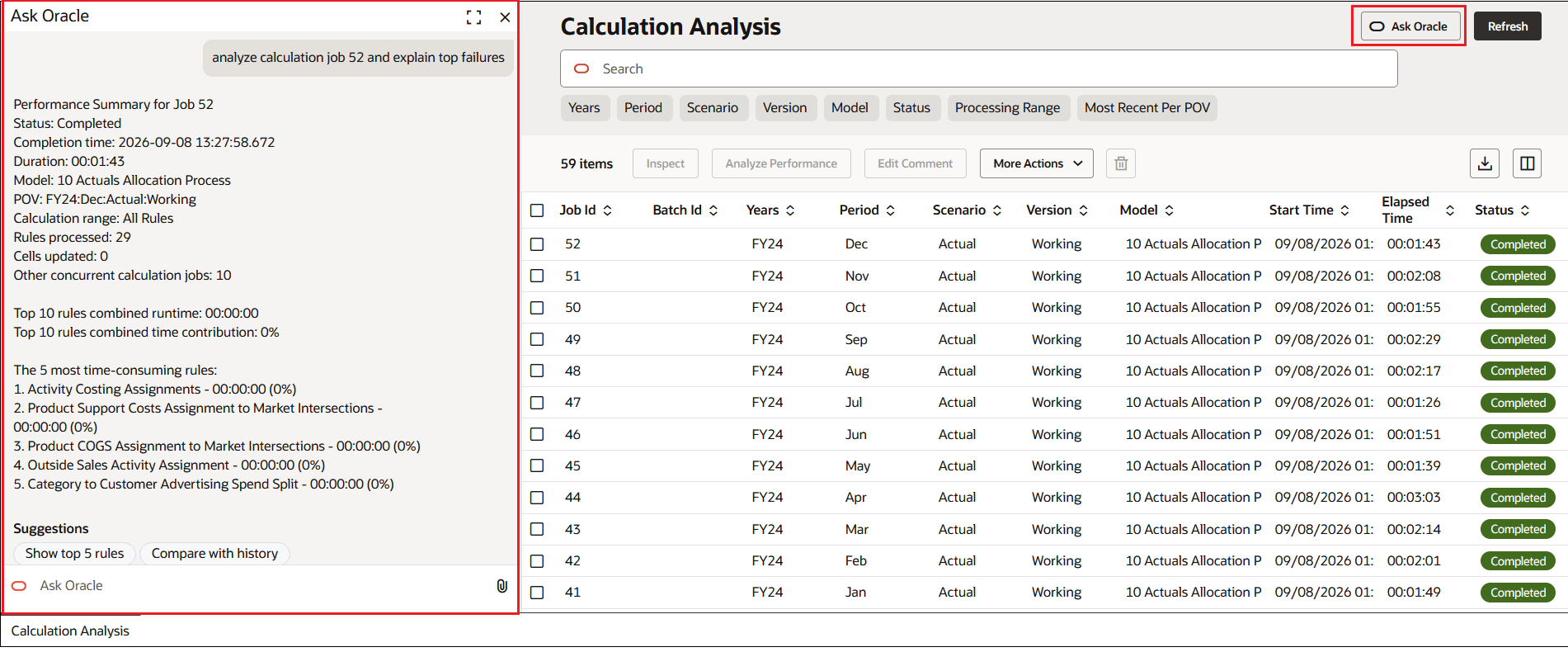
Calculation Analysis
With the enhanced PCM Agent, you are able to interact naturally with the assistant within the current workflow to create and modify models and business rules, run calculations, and perform POV operations, eliminating the need to switch to a separate PCM Agent interface.
To access the enhanced PCM Agent, click  at the top of the page.
Figure 14-1 PCM Agent Displayed on the Models Page
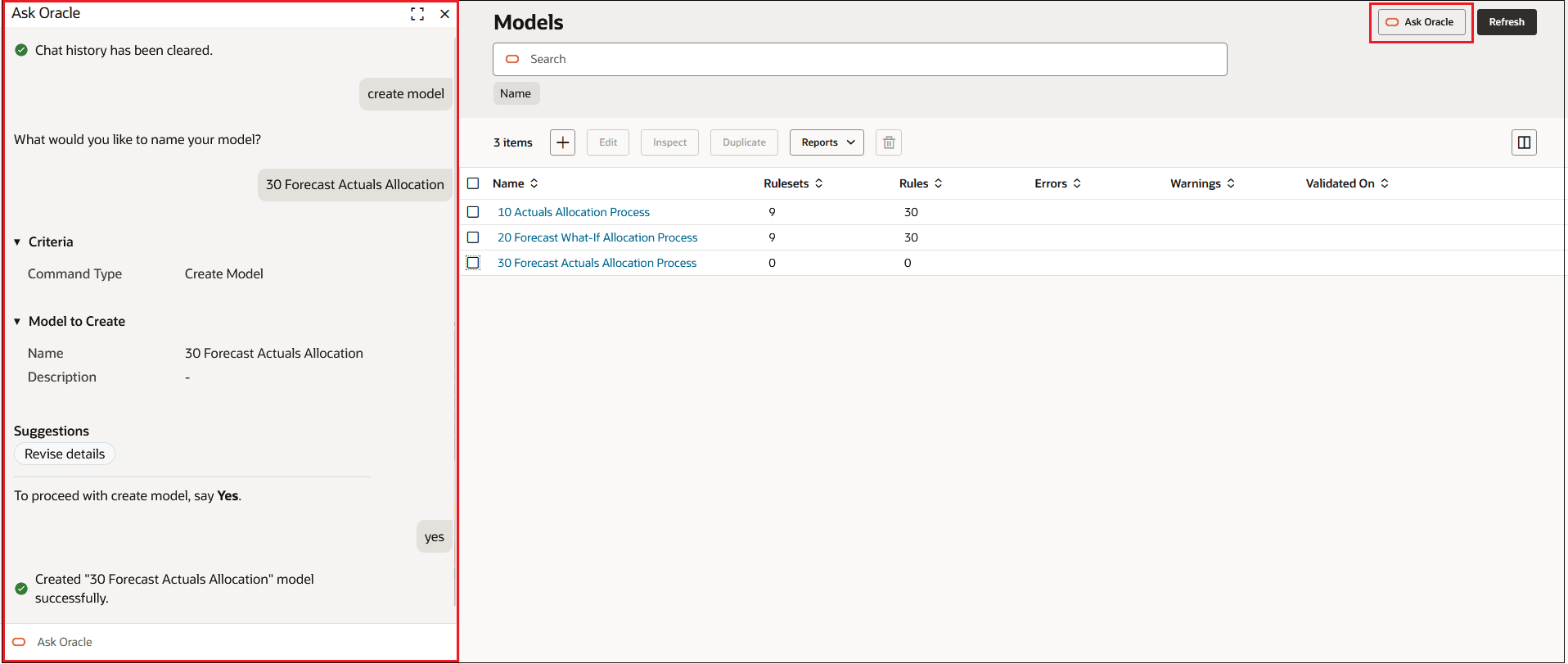
Figure 14-2 PCM Agent Displayed on the Designer - Waterfall Setup Tab
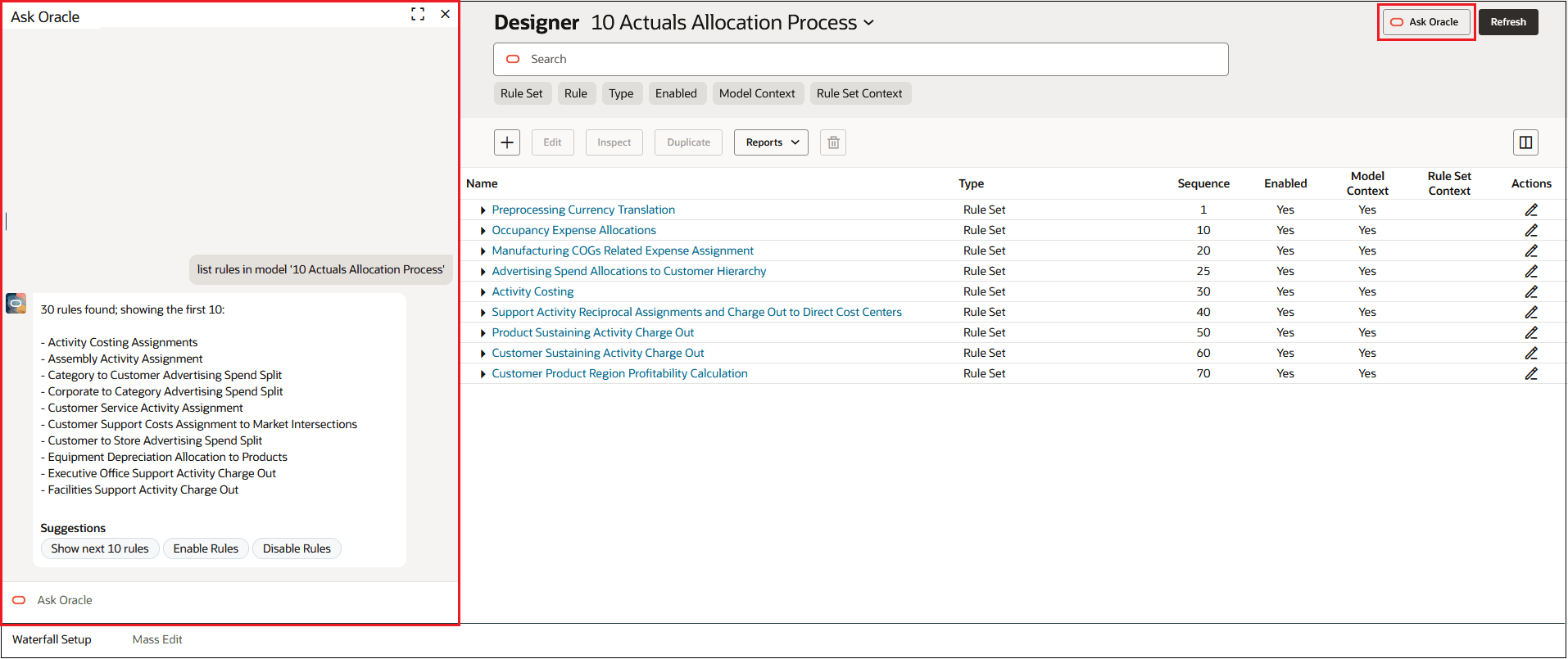
Figure 14-3 PCM Agent Displayed on the Designer - Mass Edit Tab
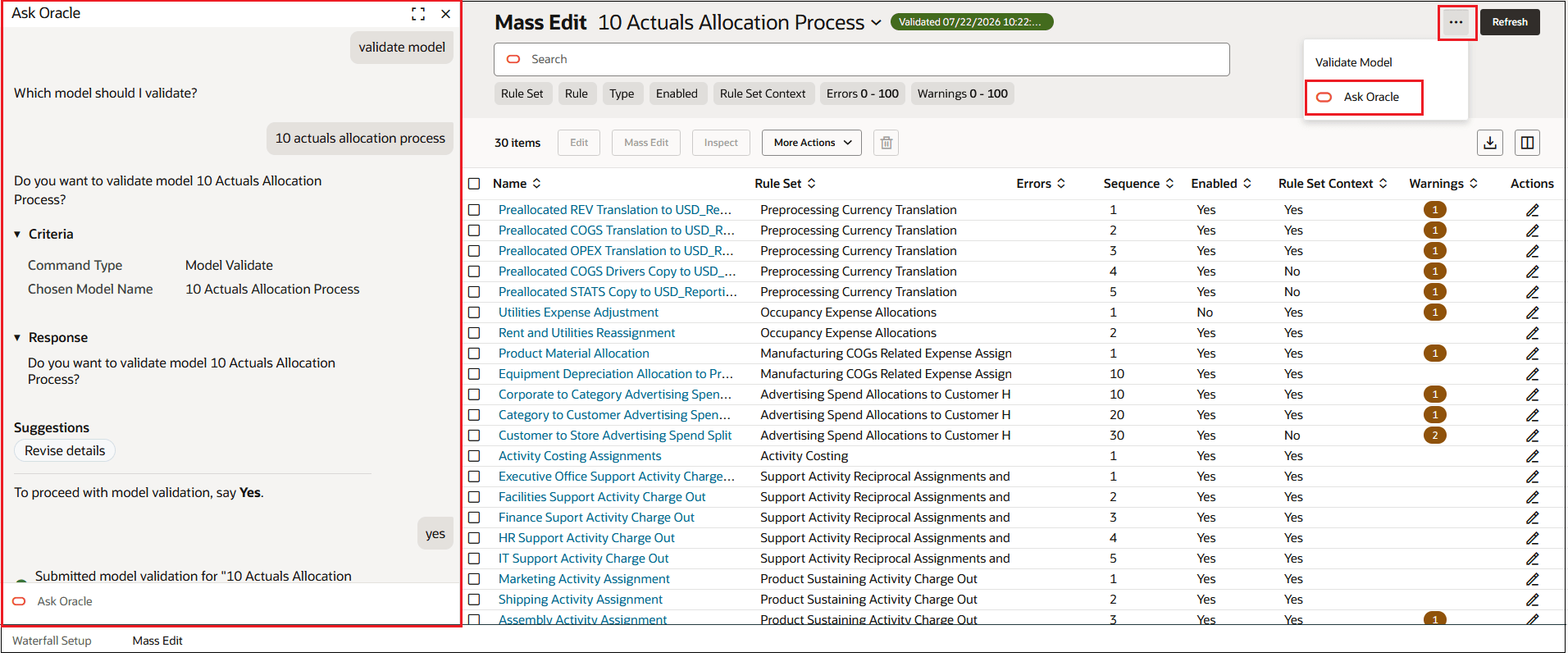
Figure 14-4 PCM Agent Displayed on the Calculation Control Page