Editing Comments
When you calculate a model, you have the option to enter a note or comment about the Run Calculation job. You can later edit this comment if desired.
For example, your initial comment could be something like "First run with revised rules for a balance check. " You could then edit that comment with additional information when you calculate the model again. This allows you to track your progress as you work with your calculations.
Tip:
You can edit comments for a single calculation run, or for multiple calculation runs at one time.
To edit a comment:
-
From the Home page, select Modeling, and then Calculation Analysis.
-
From the Calculation Analysis page, select a calculation record., and then click Edit Comment.
-
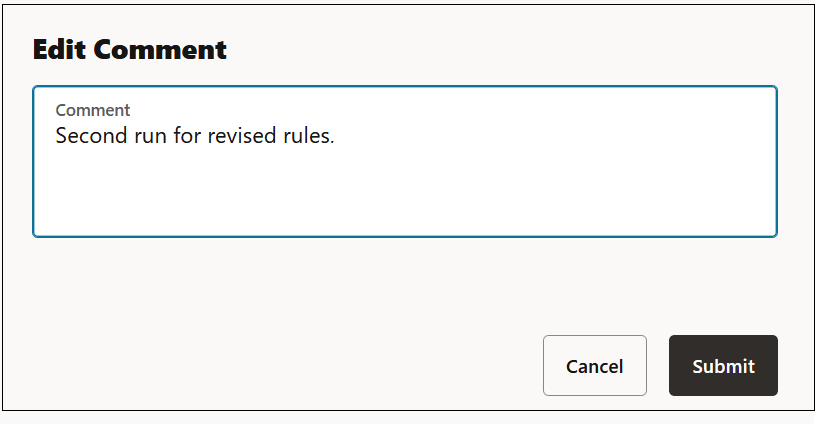
In the Edit Comment dialog box, enter text for the comment, and click Submit.
Tip:
Comments display under the Comment column on the Calculation Analysis page. If you don't see the Comment column, ensure that you have selected it as a column to display. See Defining the Columns that Display on the Calculation Analysis Page,