Viewing Job Details
You can view details about jobs in the Jobs console in one of two ways.
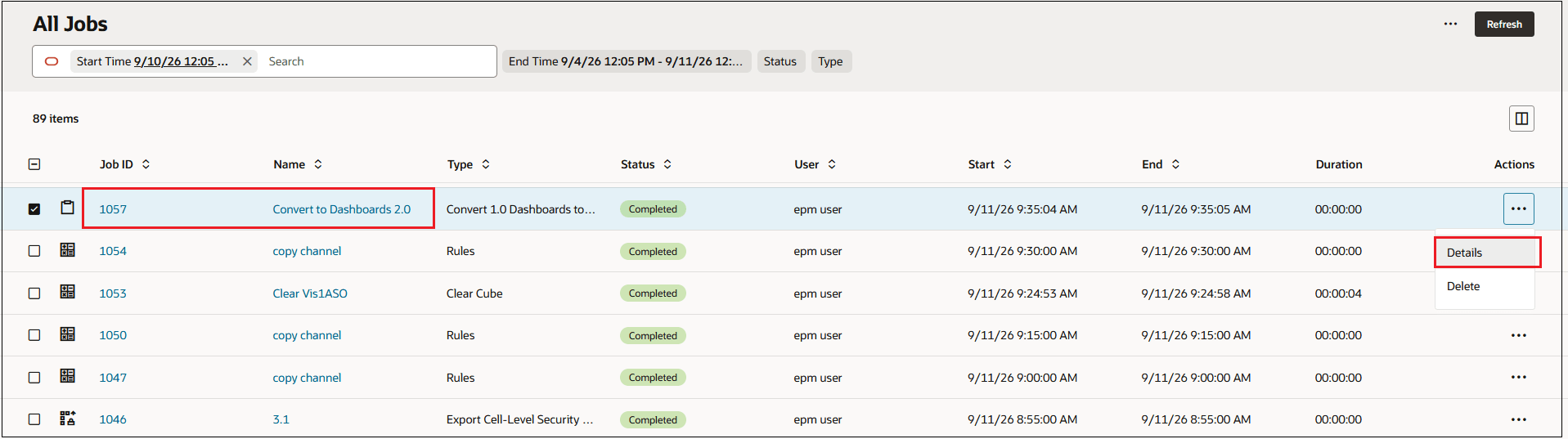
To view job details, from the All Jobs or the Model Operations tab:
-
Click the hyperlink for the job, or
- Click
 in the Actions column, and select
Details.
in the Actions column, and select
Details.
The details are shown in a pop-up window.