Viewing Trace Data
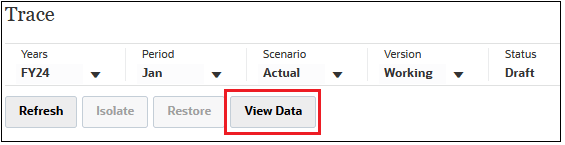
To view the data for the current trace view, click View Data.
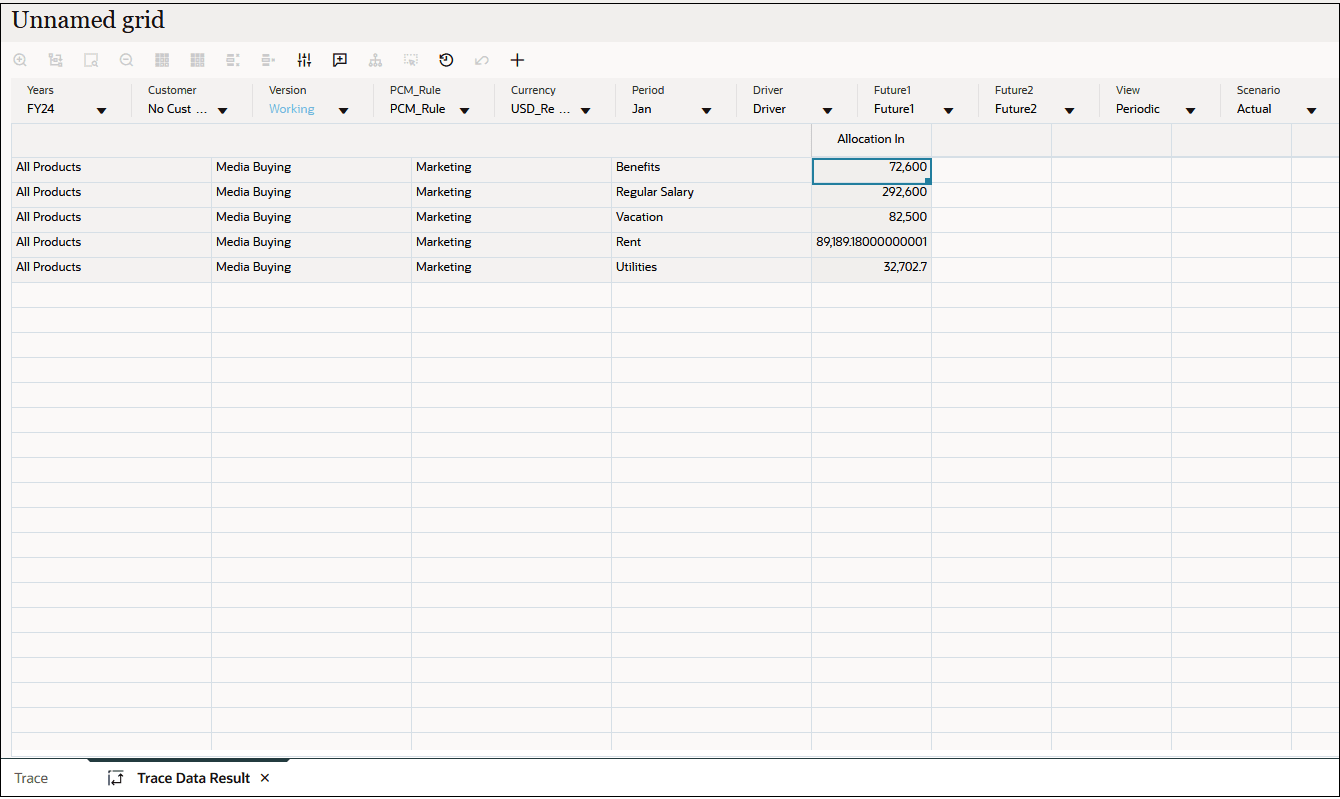
The trace data result is for the current filtered trace view. If you haven't narrowed down the trace by selecting specific nodes, the resulting data includes all the nodes in the trace allocation. If you filtered the trace data by focusing on a specific node or nodes, the resulting data will be for only those nodes. (See Filtering Trace Data by Focusing on Specific Nodes.)
Figure 22-2 Allocation Trace for All Nodes
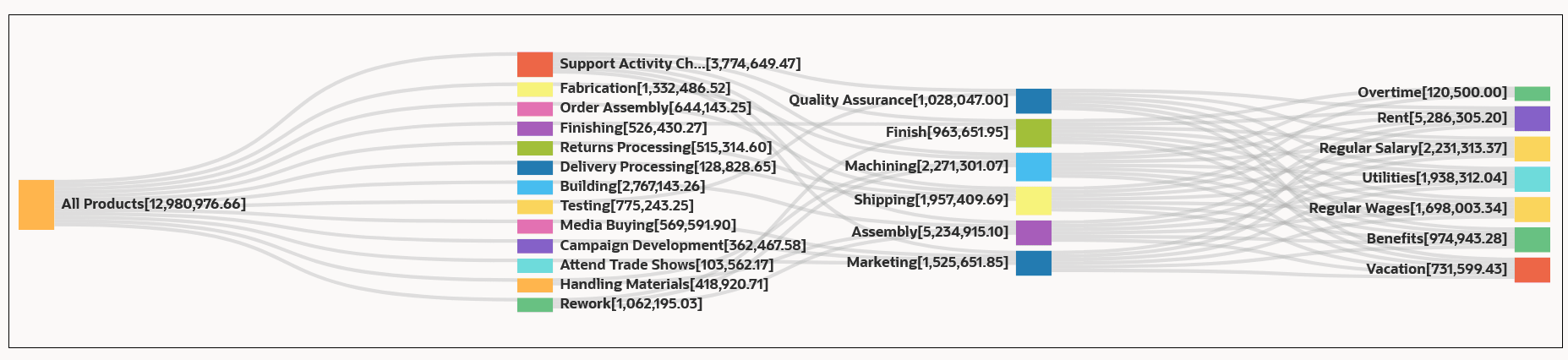
Figure 22-3 Trace Data Result for All Nodes
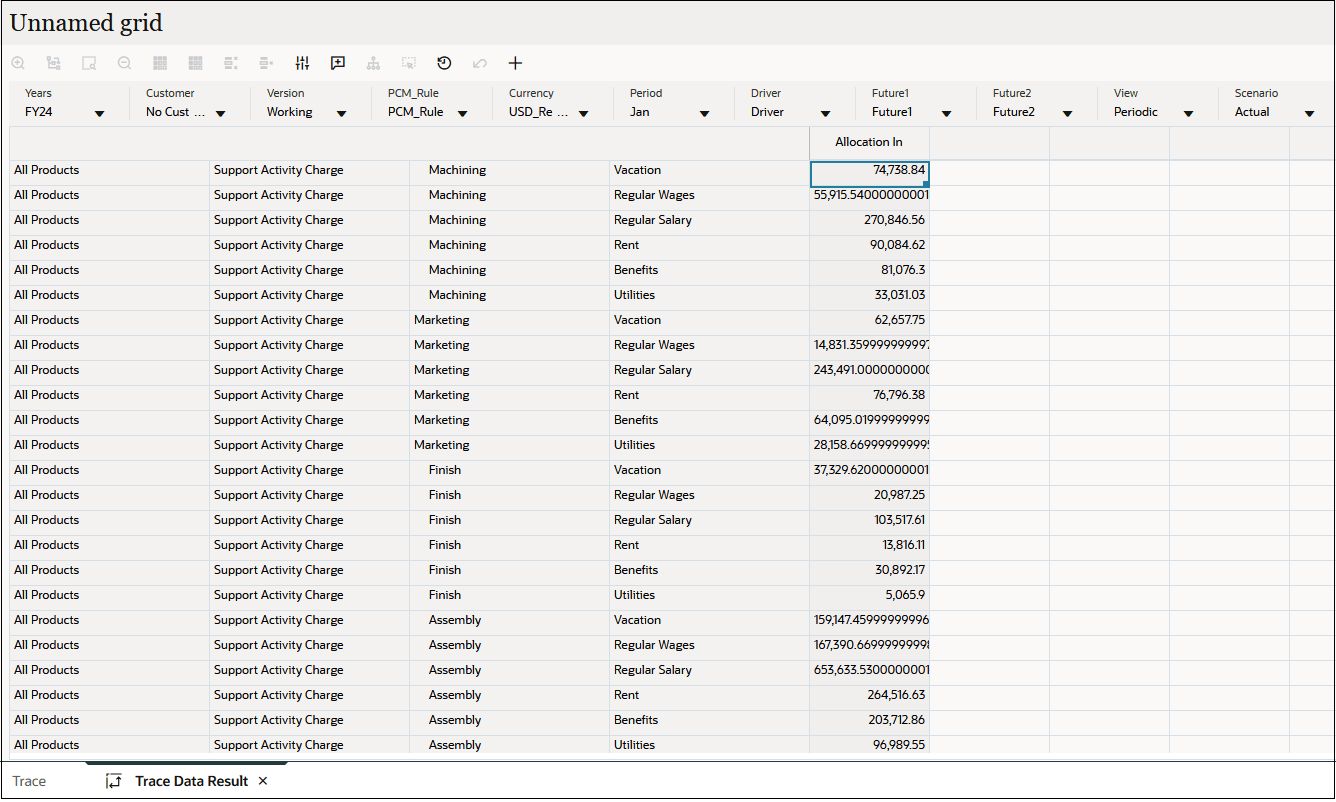
Figure 22-4 Allocation Trace for the Media Buying Node

Figure 22-5 Trace Data Results for the Media Buying Node