Exporting the Current Dimension or All Dimensions Map
To export member mappings for the current dimension or all dimensions:
-
From the Data Integration home page, click
 to the right of the integration, and then select Map
Members.
to the right of the integration, and then select Map
Members.
-
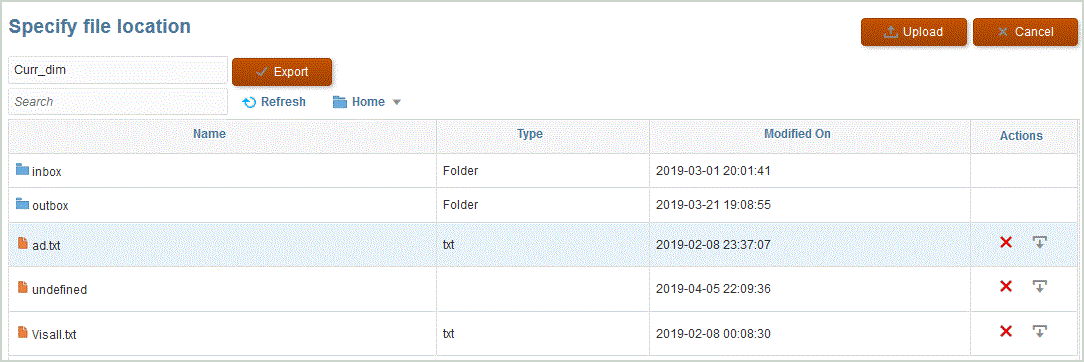
In Specify file location, specify the file name to which
to export the mapping.