Activity Details Page
You can use the Activity details page to view all the details of an activity. You can also perform actions such as move, cancel, view the history, reschedule, manage inventory, add resource preferences, and view the message scenarios.
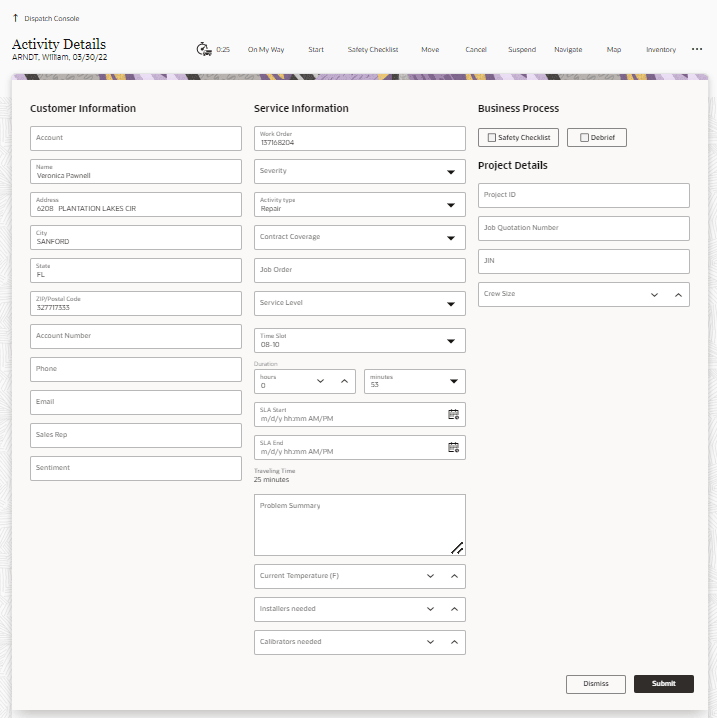
The tabs contain specific information about Preferences, Messages, and History. Your administrator can configure this to your company’s requirements and might include other custom tabs, such as Customer and/or Service Info, Inventory, Required inventory and others. If you're using Oracle Fusion Field Service and your administrator has configured the Address field, you can also see the formatted address field and the supported read-only Service Work Order address fields.