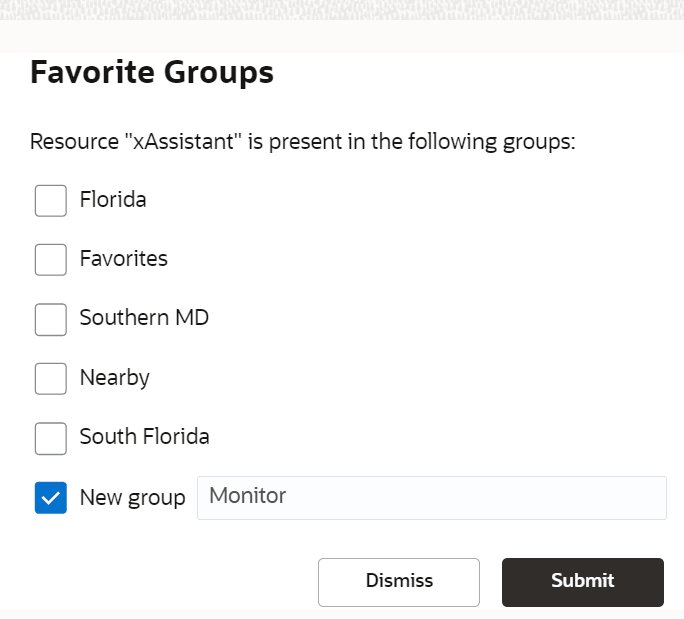
Create a Favorite Group of Resources
Dispatchers can pick resources from the main resource tree and group them to have quick access to them. Groups such as this helps you avoid scrolling up-down the resource tree to find a required bucket or mobile worker. You can create as many groups as required and manage the resources using the main resource tree.
Note: This operation can be performed in Oracle Fusion Field Service Core Application only. You
can add organization units, buckets, or individual resources to a group. When adding an
organization unit or a bucket, note that the OrgUnit/Buckets is a dynamic entity. This means
that the child resources within this group may change over time, and these changes show in
your group content. Therefore, if you want to have specific resources in your managed group,
assign those resources individually. Selecting a group resource automatically selects all
its child resources.
-
On the Favorite Groups dialog box, click New
group and enter the name of a group.