Remittance Batch File Flow Automation Using Web Service
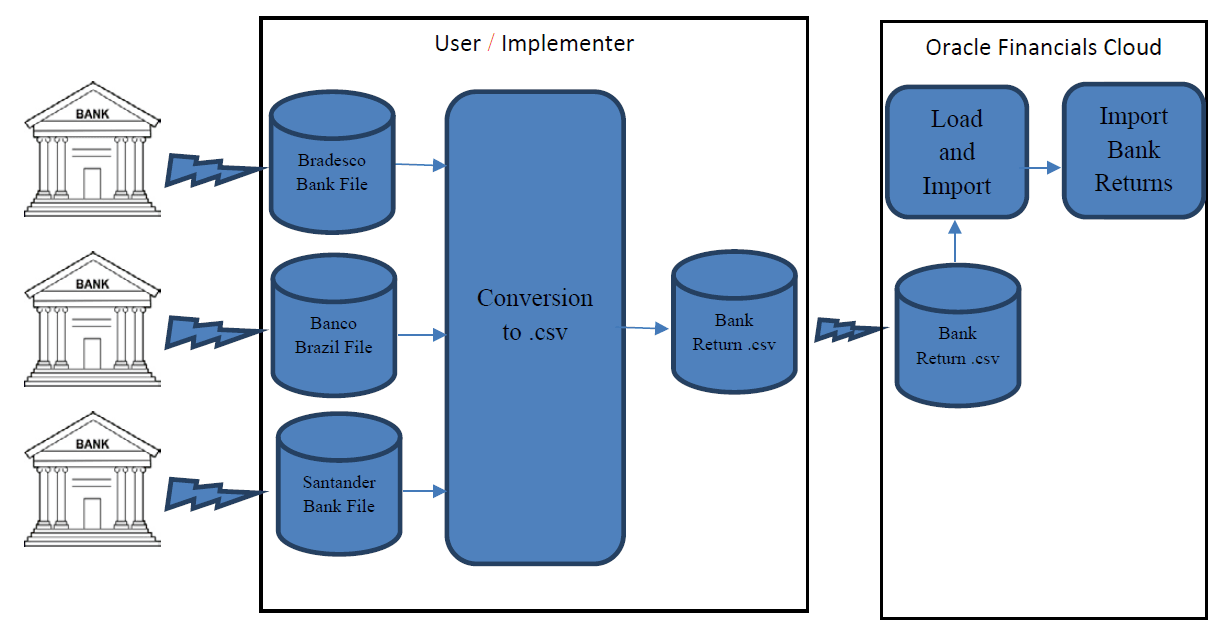
You can automate the data extract from the BIP reports using Oracle ERP Integration Web Services. This automates the end-to-end orchestration using the Oracle ERP Integration Services and avoids high touch integration scenarios for handling individual transactions.
- Sign in to BI Publisher Enterprise through the /xmlpserver URL.
- Navigate to your report in the catalog.
- Click More for your report to see all options.
- Create a new layout for this report.
- Click Save.
- Use the List View to set properties for the layout.
- Apply security to your report.