Filter Only Global Or Entity-Specific Attributes
To filter only global or entity-specific attributes:
- On the Data tab, click the Entity Structure view button.
- In the left hand pane of the Data tab (the entity list):
- Select the top-level entity in the entity list (shown by a globe icon), to search only the attributes which are not within the scope of any entity (that is, global attributes), or
- Select an entity, to search only attributes belonging to that entity.
If you wish to use the filter box to search every attribute in the project, you will need to use the filter in the Flat View of the Data tab. For more information , see Filter All Attributes In a Project.
- Type the text string you wish to search for into the filter box.
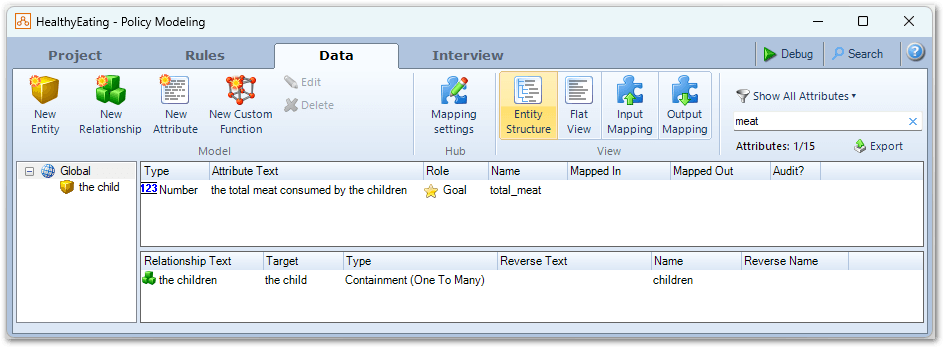
The attribute list in the top right hand pane changes to display only those attributes belonging to the selected entity which contain the specified text string.
Tip: Remember to clear the filter using the cross icon in the filter box when you have finished working with it. (By default, text will remain in the filter box, and the attribute list will remain filtered, until cleared.) The filter box can also search for characters, such as dollar signs ('$'). This would allow you to find all attributes in a project which use a dollar amount.