Save an Audit Report
To save an audit report for an attribute:
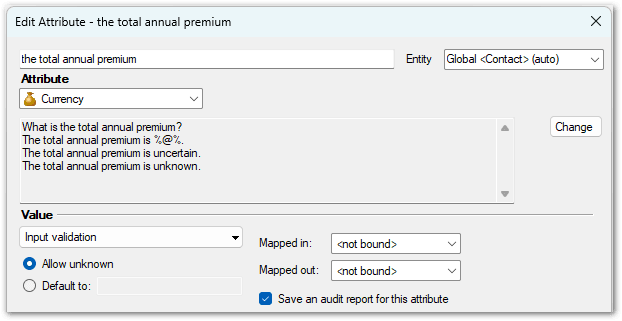
- On the Data tab, double-click the attribute in the attribute list to open the Edit Attribute dialog box.
- In the Value area, select the Save an audit report for this attribute check box.
- Click OK.
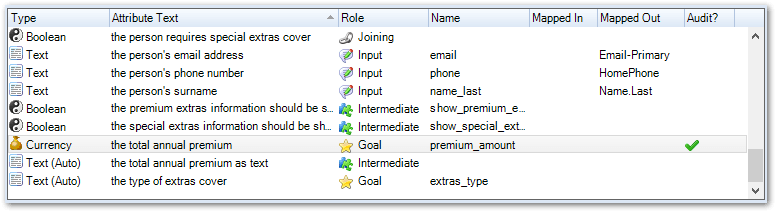
A column on the Data tab shows which attributes are to be submitted as audit reports.
Note: Audit reports are only available for policy models with an Oracle B2C Service, connector framework web service connection, generic provider web service connection or Oracle Integration connection. Note that mapping out audit reports for connections that do not support audits will cause compile errors.
When an interview with a supported connection is submitted:
- for connector framework web service connections, audit reports are in the <AuditReportList> passed to the Save action. For more information, see Introduction to Headless Decisioning with Intelligent Advisor.
- for generic provider web service connections and Oracle Integration connections, audit reports are provided as a single attachment on the top-level object. The JSON file is Base64 encoded in the save request.
- for B2C Service, audit reports are provided as a single HTML attachment to the top-level object.

Note that if reference tags are included in the rules, these will be shown in the audit report.
