Load Data From Contact
Choosing to pre-seed data from Contact will allow you to map Intelligent Advisor global attributes to fields in the Contact object, and map Intelligent Advisor child entities to objects that are related to Contact in Oracle Fusion.
To pre-seed interview data from Contact:
-
On the Data tab in Policy Modeling, click the Mapping settings button.
-
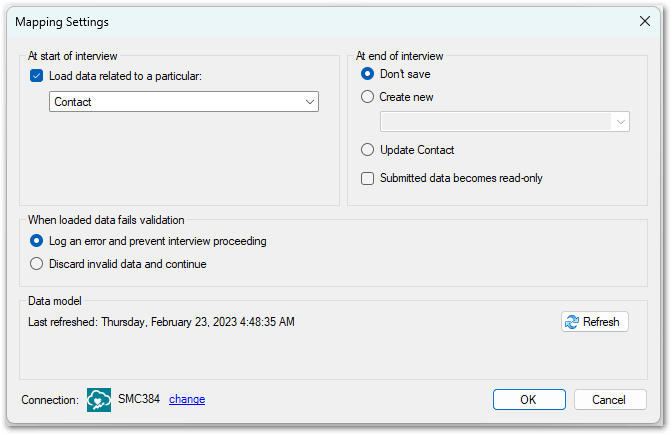
In the Mapping Settings dialog, in the At start of interview section, select Contact.
-
Click OK.
-
On the Data tab, select Input Mapping.
-
Tick the check box next to the PartyId field. This will input map it to a new Intelligent Advisor attribute 'global party id'.

-
Tick the check box next to any other fields that you would like to load Contact-related data from (for example, FirstName, EmailAddress, DateOfBirth) and input map them to new or existing Intelligent Advisor attributes.