Input Map Application Fields to New Attributes
To input map a new attribute in Policy Modeling from an application field:
- On the Data tab, select the Input Mapping view.
- In the left hand pane, select the application table that contains the fields that you want to map to.
- In the right hand pane, click the unchecked check box for the field you want to map.
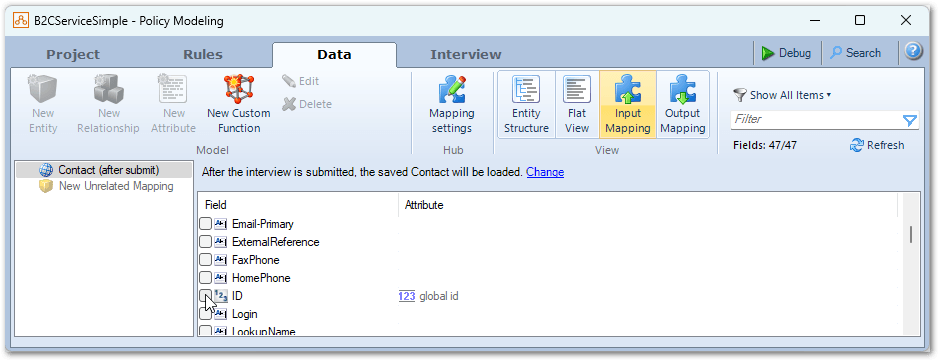
This will create a new attribute and map the field to it. The new attribute text will, by default, include the entity text.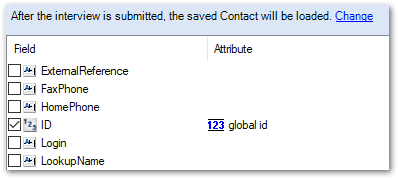
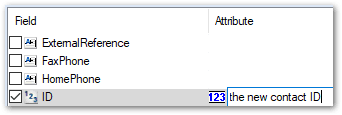
- (Optional) Click the attribute text to modify it. Note that when choosing attribute text, if the attribute belongs to an entity, the exact text of the entity should be included in the attribute text.