Export Data Model Information for All Entities
To export data model information for all entities in a project:
- On the Data tab in Policy Modeling, click the Flat View button.
- (Optional) Apply an attribute filter:
- Use the Show menu to view only attributes of the selected type.
- Use the Filter field to view all attributes containing a particular string of text.
- Click Export.

- In the Export Data Model dialog box, enter a file name and select the destination folder. (By default, the destination folder is set to the project folder.)
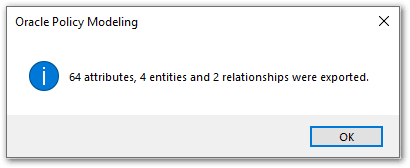
- Click Save. A message is displayed showing how many attributes, entities and relationships have been exported.
Windows Explorer then opens to the CSV files in the destination folder.