Archiving widgets
When managing your widgets catalog, you can archive widgets within your program. This helps to better organize the widgets and remove what is no longer in use from within the Control Center management tool.
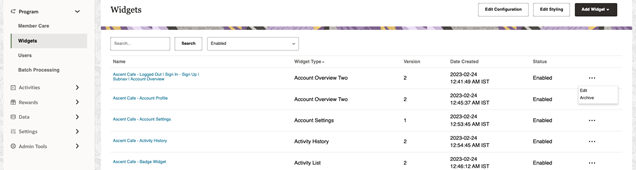
To archive a widget:
-
In Control Center, navigate to Program > Widgets.
-
Click the three dots on the right for a specific widget, and then select Archive.
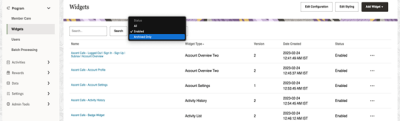
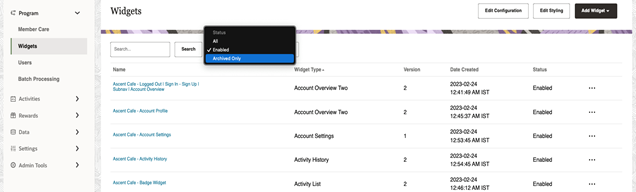
If you archive a widget that is currently in use, it will no longer load. You can access archived widgets via the filters at the top of the Widgets Manager by selecting Archived Only.