C Troubleshoot Subscription Update Failure
When there's a subscription update, NetSuite automatically communicates the subscription changes to Oracle NetSuite Analytics Warehouse, and these subscription changes are automatically updated for the instance.
Perform these steps if you notice a failure in subscription update.
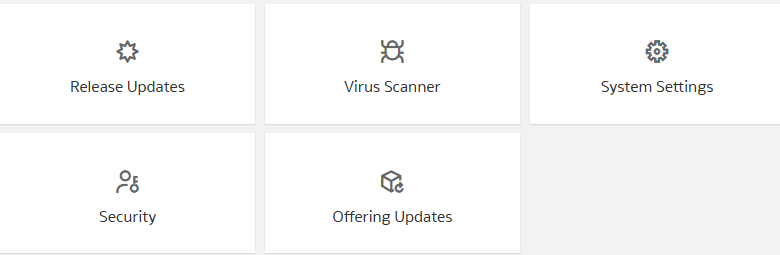
- Sign into Oracle NetSuite Analytics Warehouse and on the Administration Console, click Offering Updates under Service Administration.
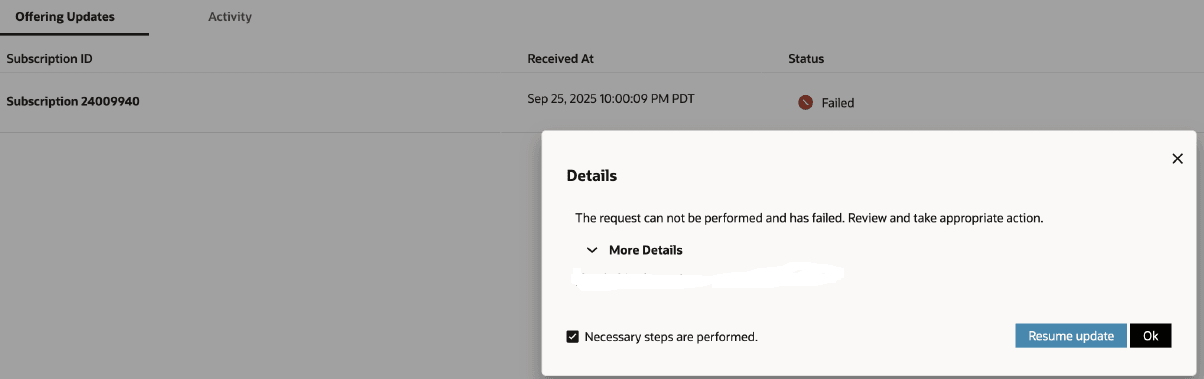
- For offering updates with Failed status, click the status to view the details. In Details, click More Details to know the appropriate action you can take to resolve the issue and click OK to close the Details dialog. After resolving the issue, select the Necessary steps are performed check box and click Resume update.