Defining Filter Parameters
You can filter the jobs displayed in the Jobs console. Each filter parameter is represented by a tile. For example, you can filter jobs on the All Jobs tab by Start Time, End Time, Status, and Type.
To select a filter, click a tile or drag and drop a tile into Search. For example, you could move the Status tile into Search, and then select an option from the resulting drop-down.
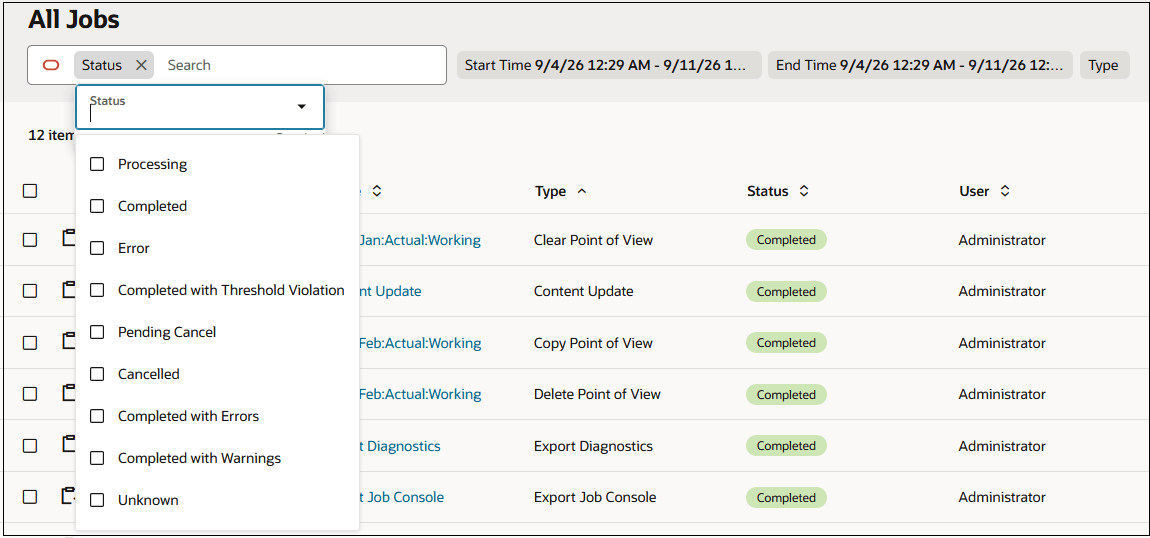
You can filter by more than one parameters by moving the tiles corresponding to the parameters into Search. For example, you could display all Clear Point of View jobs with a Completed status.
