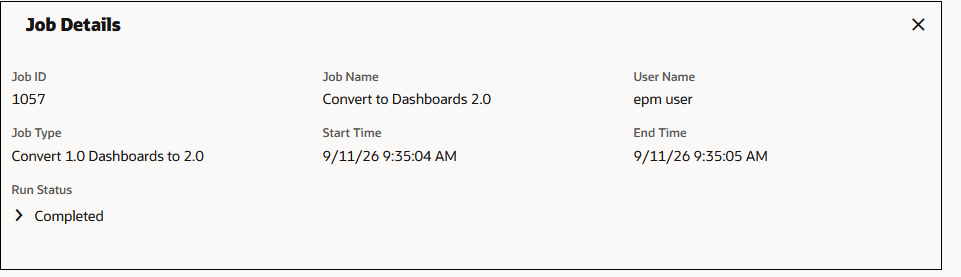
Viewing Job Details
You can view details about jobs in the Jobs console in one of two ways.
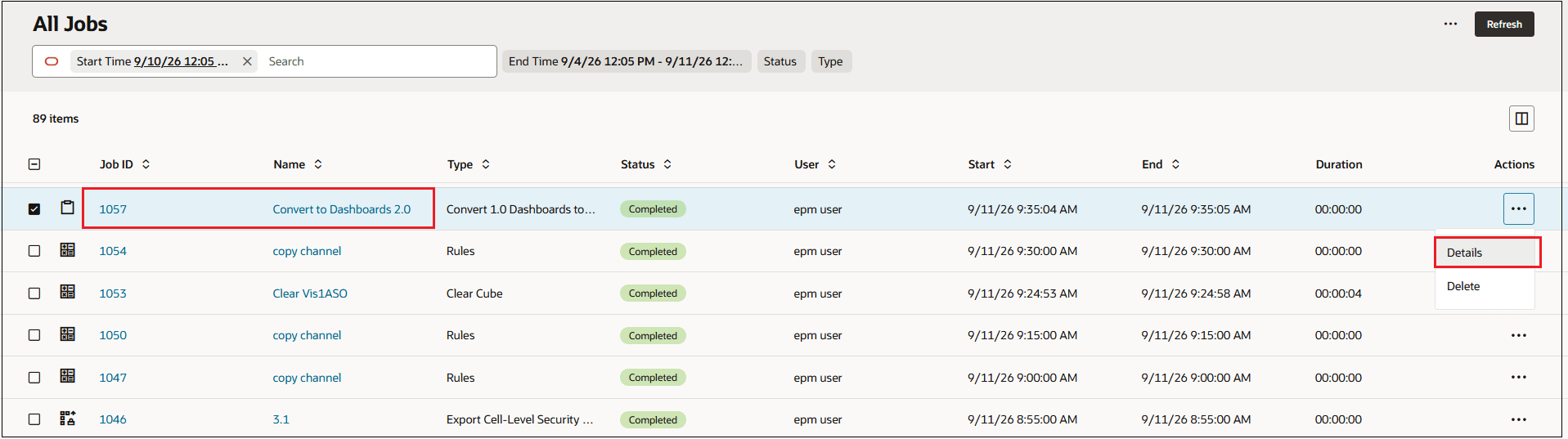
To view job details, from the All Jobs tab:
-
Click the hyperlink for the job, or
- Click
 in the Actions column, and select
Details.
in the Actions column, and select
Details.
The details are shown in a pop-up window.