Enhancements to Product Offering - Override Default Discount
You can now setup the flag "Override Default Adjustment" at atomic/bundle offering. This field will work in conjunction when "Allow override" is enabled. If Override Default Adjustment is enabled, this means in the run time spoke systems when there is a manual override adjustment applied the adjustments that already existed on the offer will be ignored. Only the manual override adjustment will be applied.
Example: In Supremo Lite package which has a 10% discount included, allow manual override flag is set and override default adjustment is enabled. In the run time application if there is a manual override of 20% applied to Supremo Lite package, then it would not apply the 10% included package level discount.
The following image shows how you configure the override default adjustment.
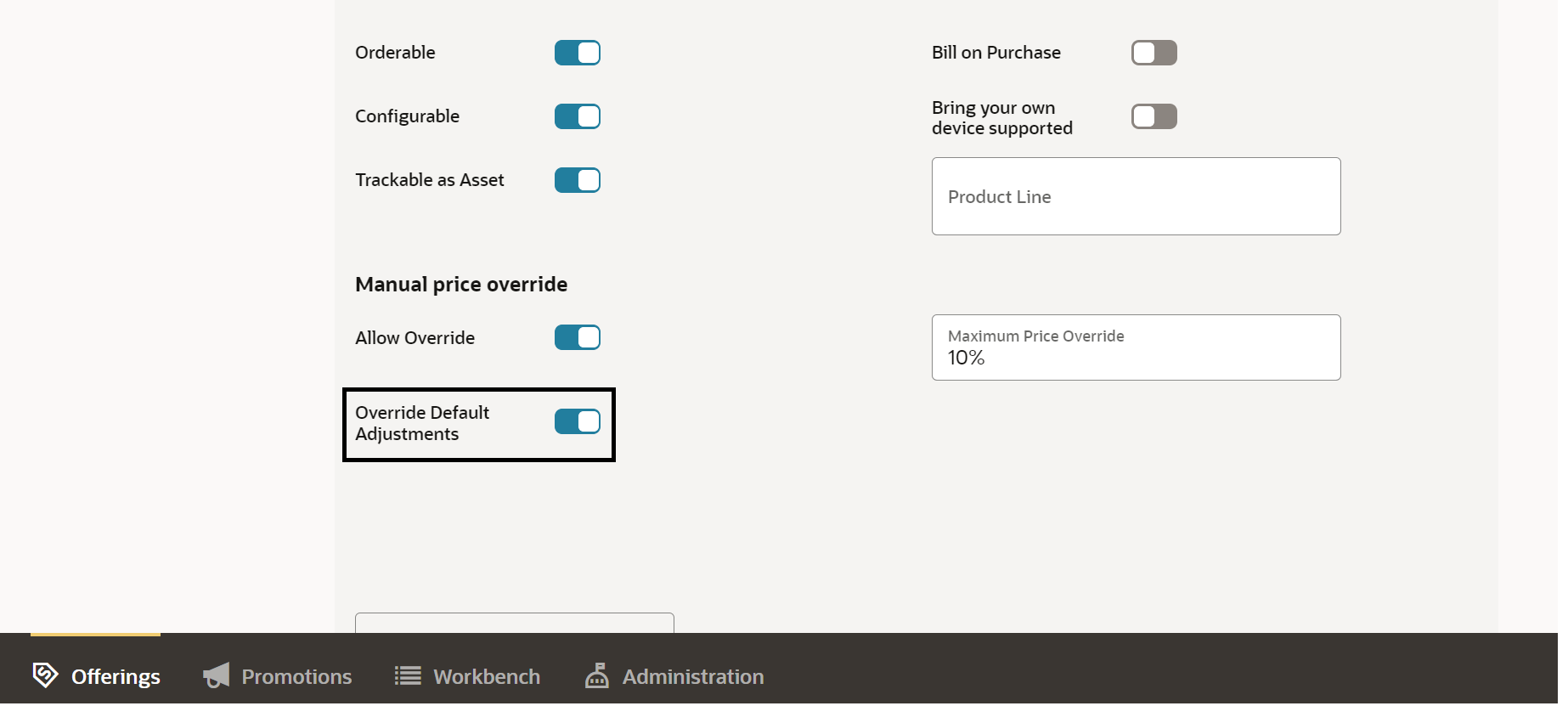
The business benefit of this feature is If Override Default discount is enabled, this means in the run time spoke systems when there is a manual override adjustment applied the adjustments that already existed on the offer will be ignored ensuring no double discounts.
Steps to Enable
You don't need to do anything to enable this feature.
Access Requirements
- Communications Catalog Product Manager