Automation of Migrating Catalog Definitions Between Launch Instances
You can now automatically move the catalog definitions from one Launch instance to another. Earlier releases, it was about configuring in one instance, exporting the catalog definitions and importing into target environments all being done manually. Now all of this has been automated. You can now go into the target launch system to move the catalog definitions from the source system automatically by using the create migration job utility. You can move an initiative contents as a whole or along with its referenced entities or you can move specific individual entities like a product offering, product line etc across instances.
Example - There are two environments of Launch, environment1 and environment2. In environment1 the Summer initiative has been created with catalog definitions. Now administrator can get into environement2 to initiate the move of the catalog definitions of Summer initiative from the source environment1 by navigating to Migration jobs card under the job management card.
The following figure depicts the movement of catalog definitions across various launch instances.
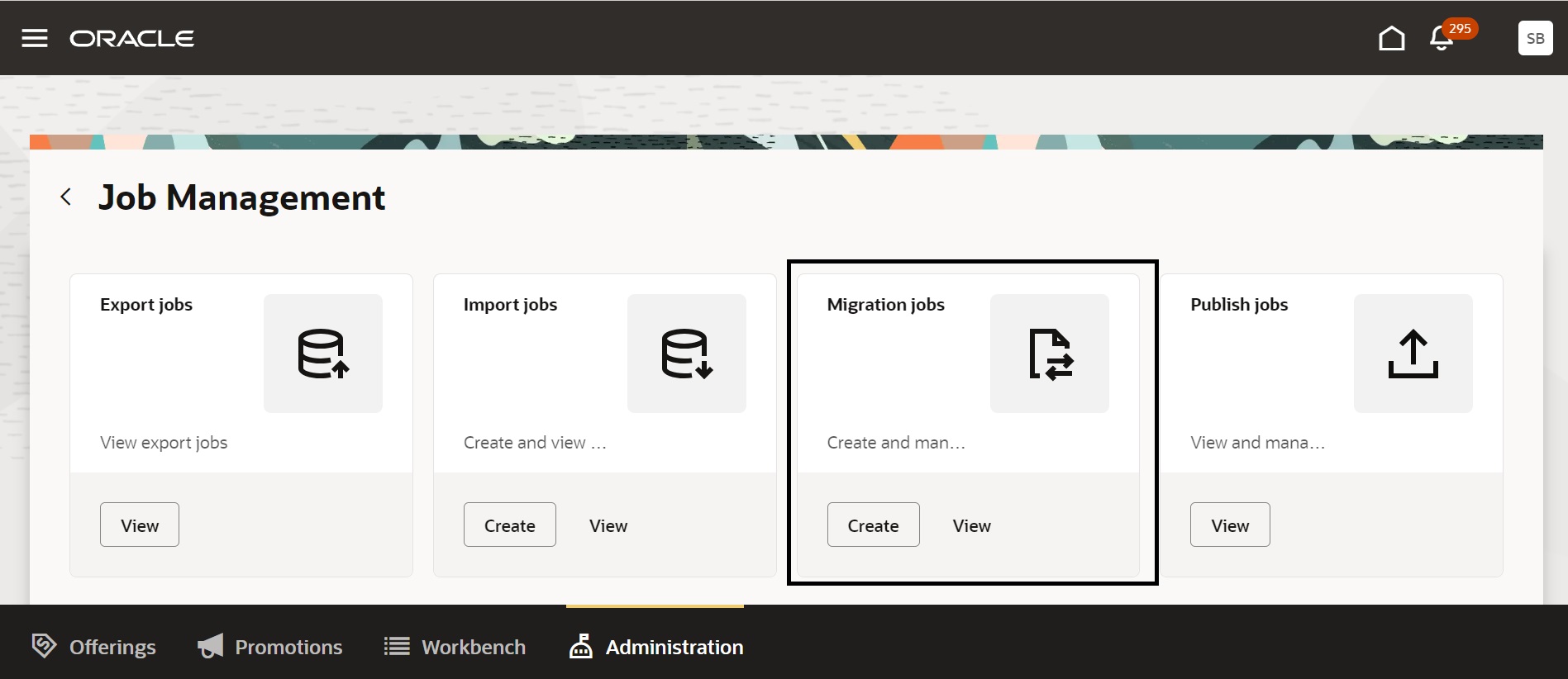
Migrate catalog definitions
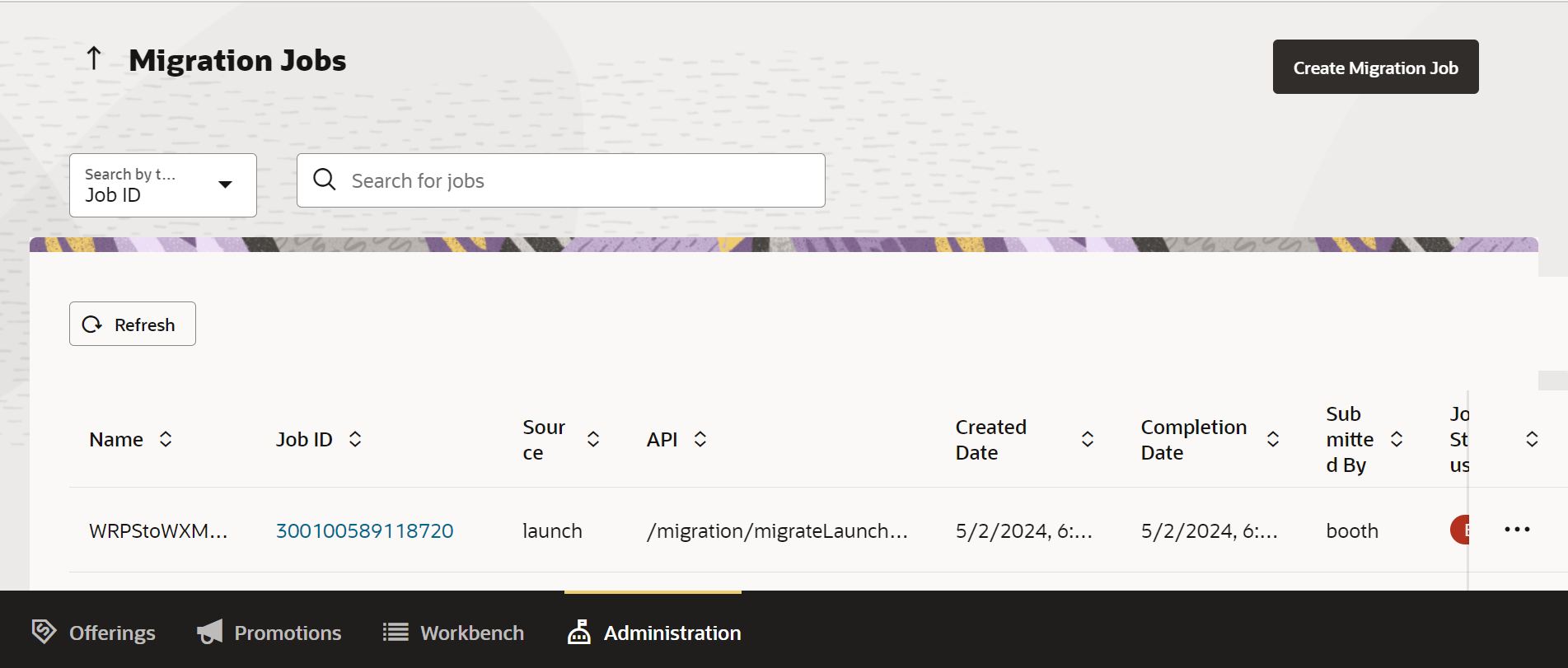
Catalog definition migration
The business benefit of this feature is the automatic movement of catalog definitions between two Launch environments.
Steps to Enable
You don't need to do anything to enable this feature.
Tips And Considerations
Refer to the Launch implementation guide for configuring the TIC configuration in Industry Framework for the source target system in the destination launch instance.
Access Requirements
- Communications Catalog Administrator