Business Rules and Page Properties Support for Redwood Document Records Details Page
You can now configure business rules and page properties for the Document Record Details page accessed from a notification or through a deep link. The personalizations will apply when the document record is opened using the Edit Info button in a notification or through a deep link.
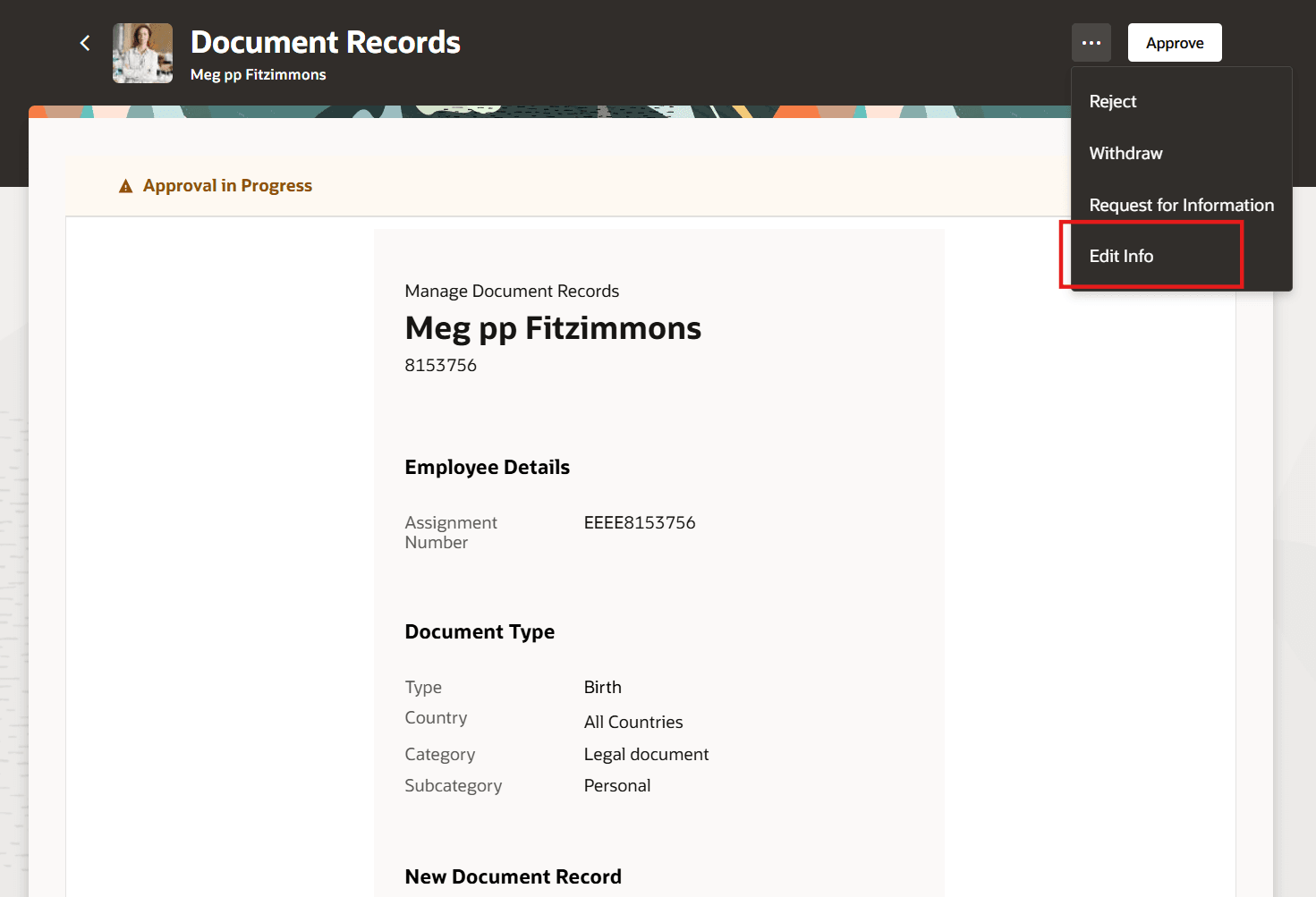
Accessing the Document Record Details Page from Notification
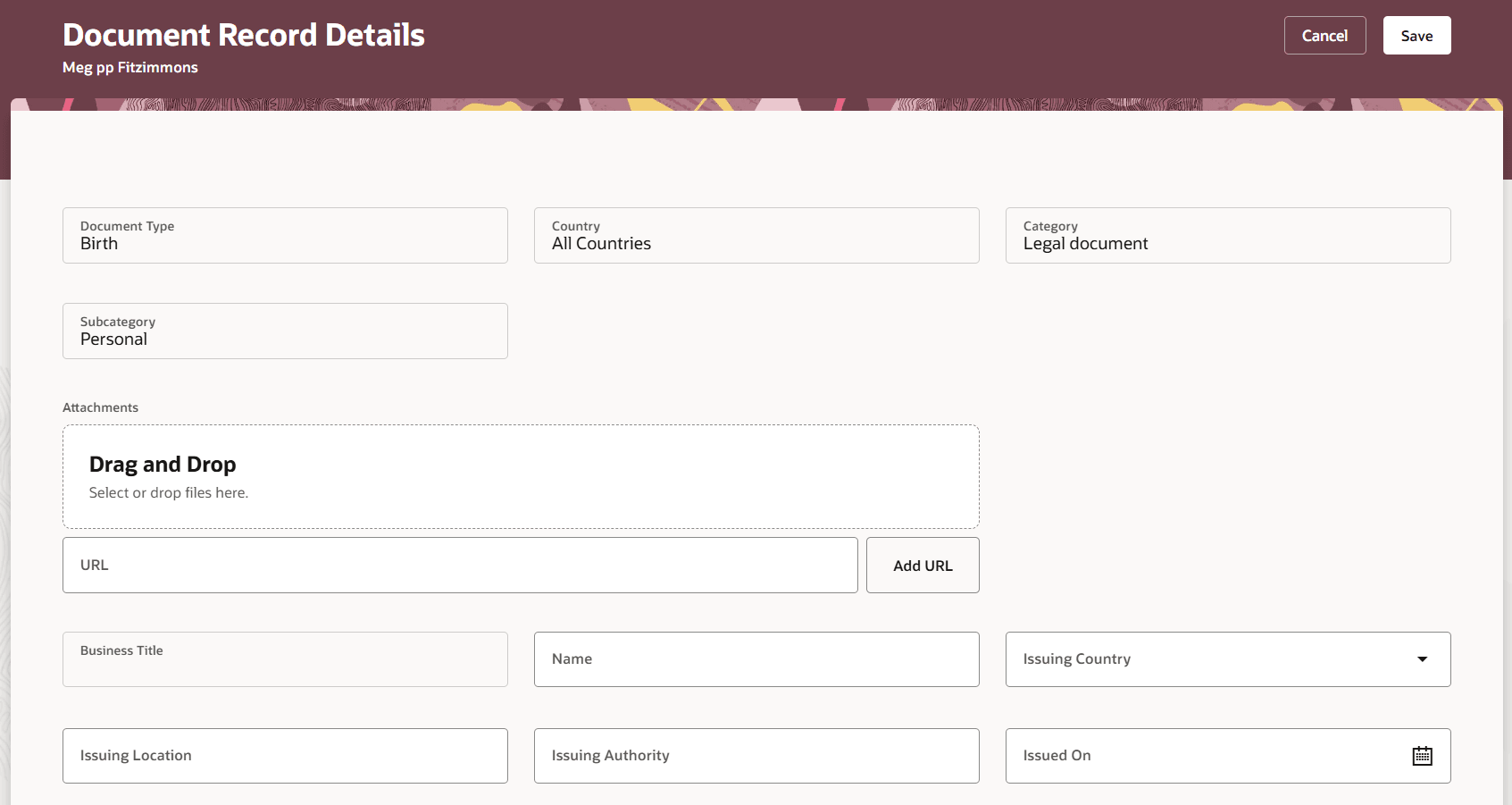
Document Records Details Page Launched from Notification
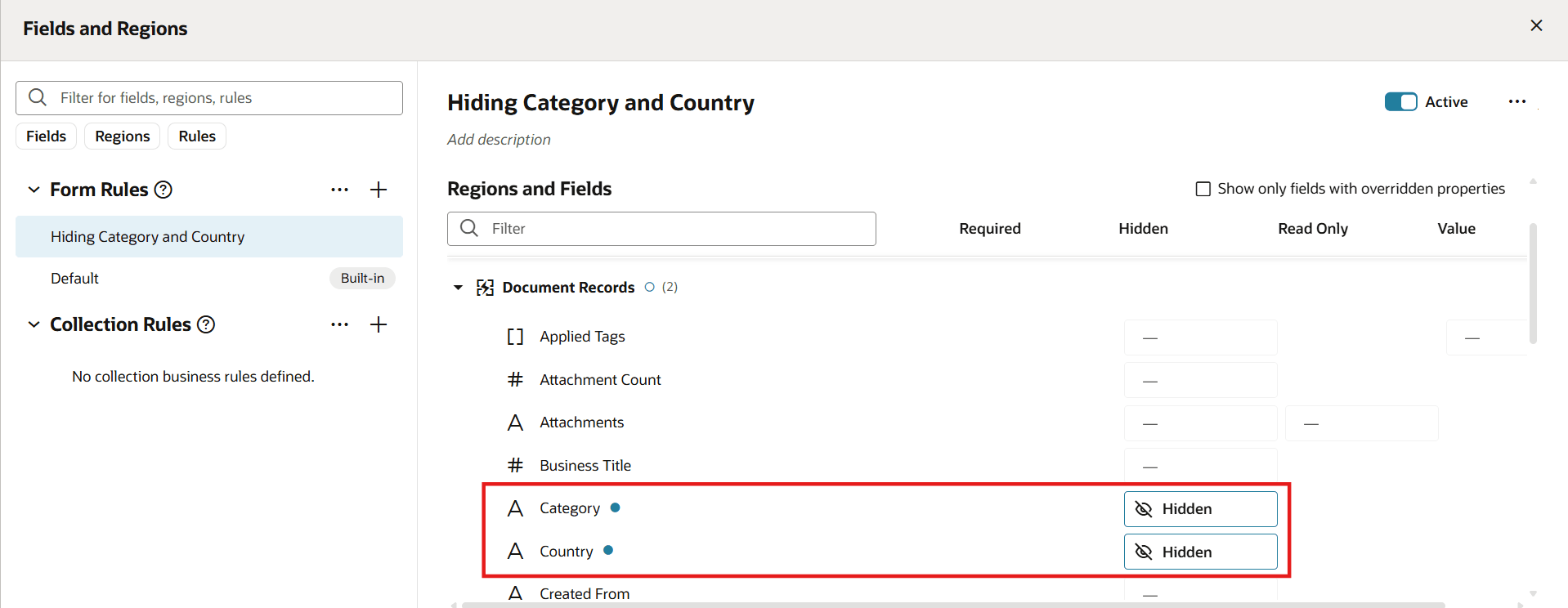
Business Rule Configured for Some Attributes
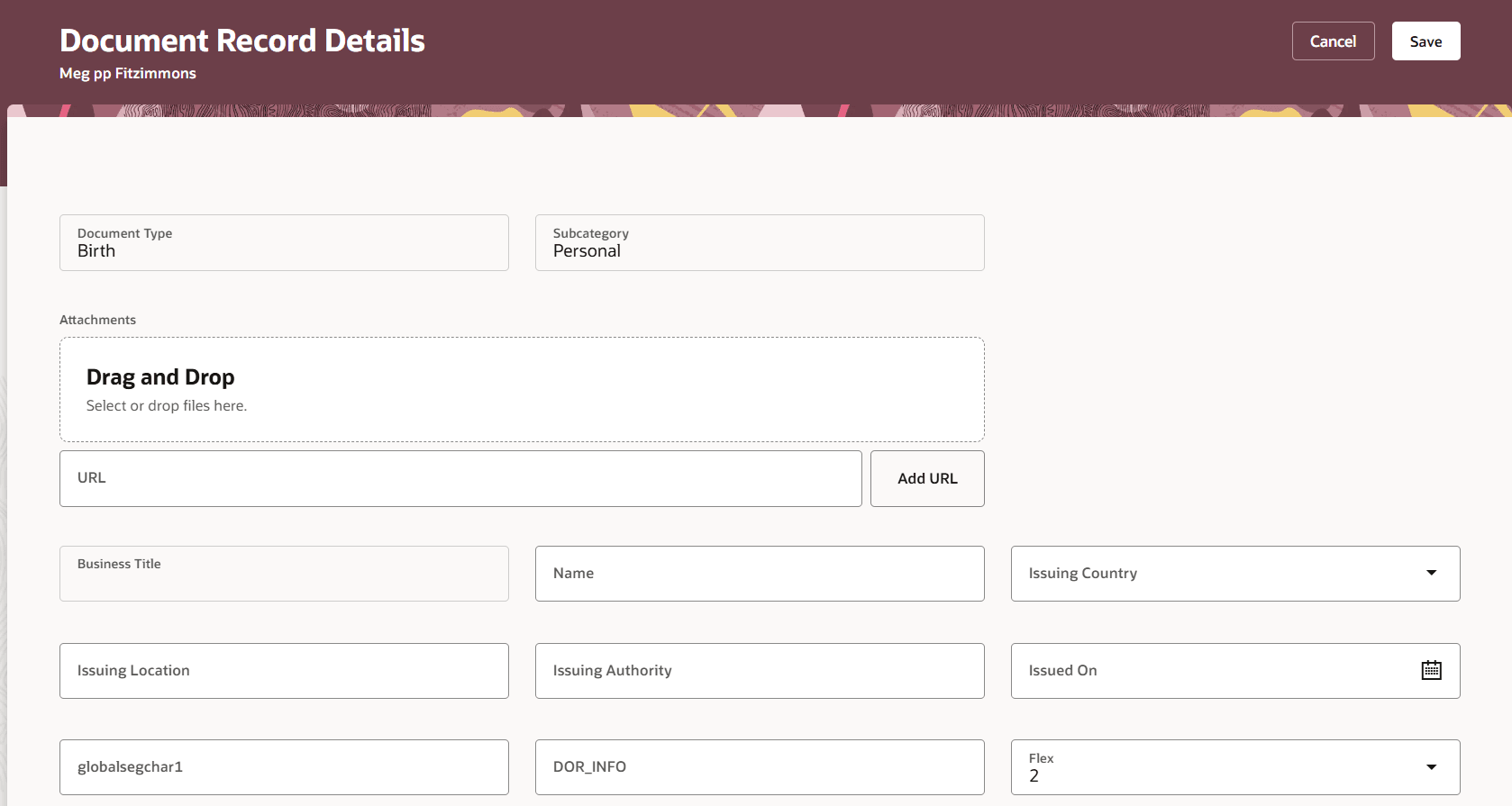
Fields Hidden Based on Configured Business Rules
This enhancement enables organizations to apply business logic and customize page behavior for document records, increasing flexibility and control over document management.
Steps to enable and configure
For information on displaying fields using business rules and using page properties, see this chapter - Working with Configure Fields and Regions and Working with Page Properties in the Extending Redwood Applications for HCM and SCM Using Visual Builder Studio guide.
Tips and considerations
You need to have the latest patches applied on your environment to see this enhancement.
Key resources
For more information about document records, refer to the Implementing Global Human Resources guide on the Oracle Help Center.