Attachment Preview Enabled for Proof Verification and Approval Page
You can preview the submitted documents of proof for investments in the Proof Verification and Approval page. The preview option helps the Payroll Administrators to easily view all the submitted documents without downloading the attachments.
Note: Attachment Preview option does not apply to consolidated attachments uploaded from the Review Summary page.
From the home page, navigate to My Client Groups > Payroll > Proof Review and Approval to view all the submitted documents of investment proof.
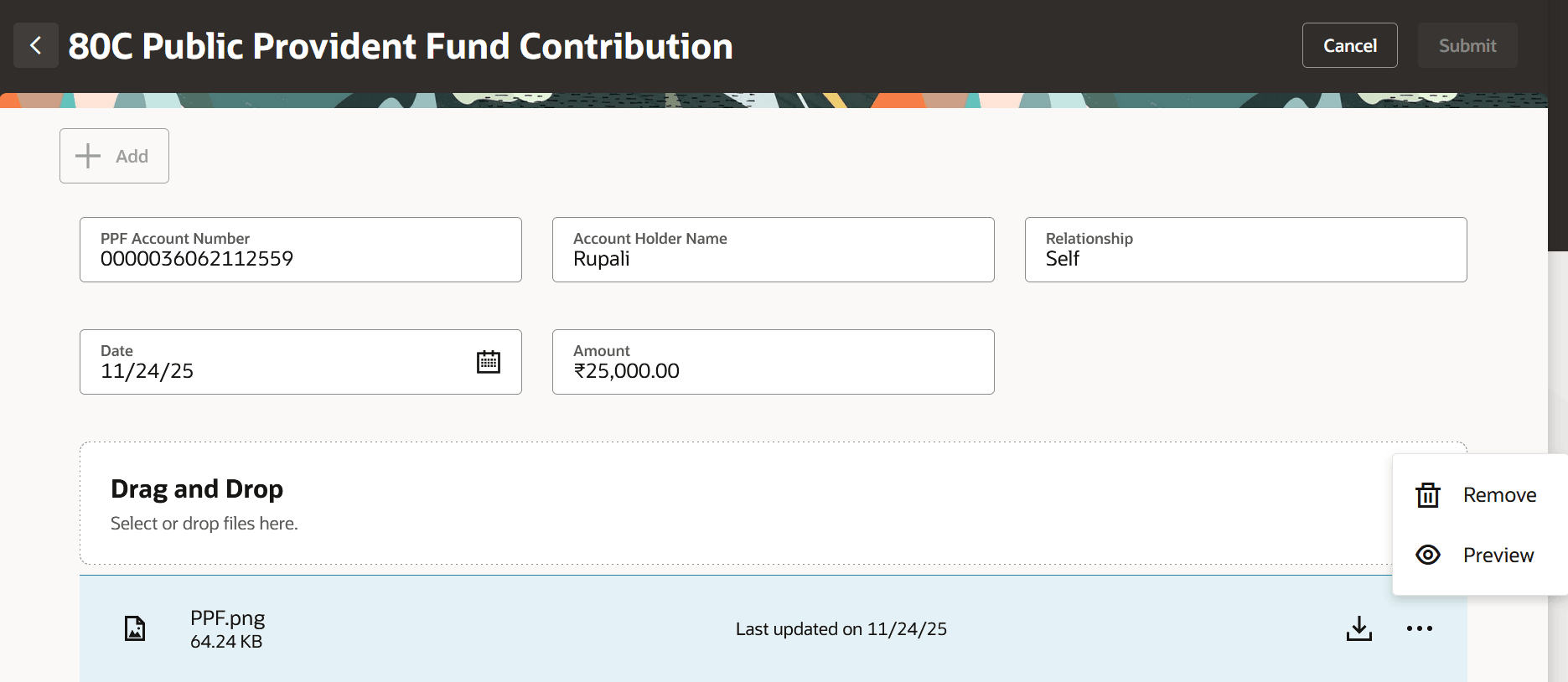
View Attachment as Preview
Click Preview to view the attachment.
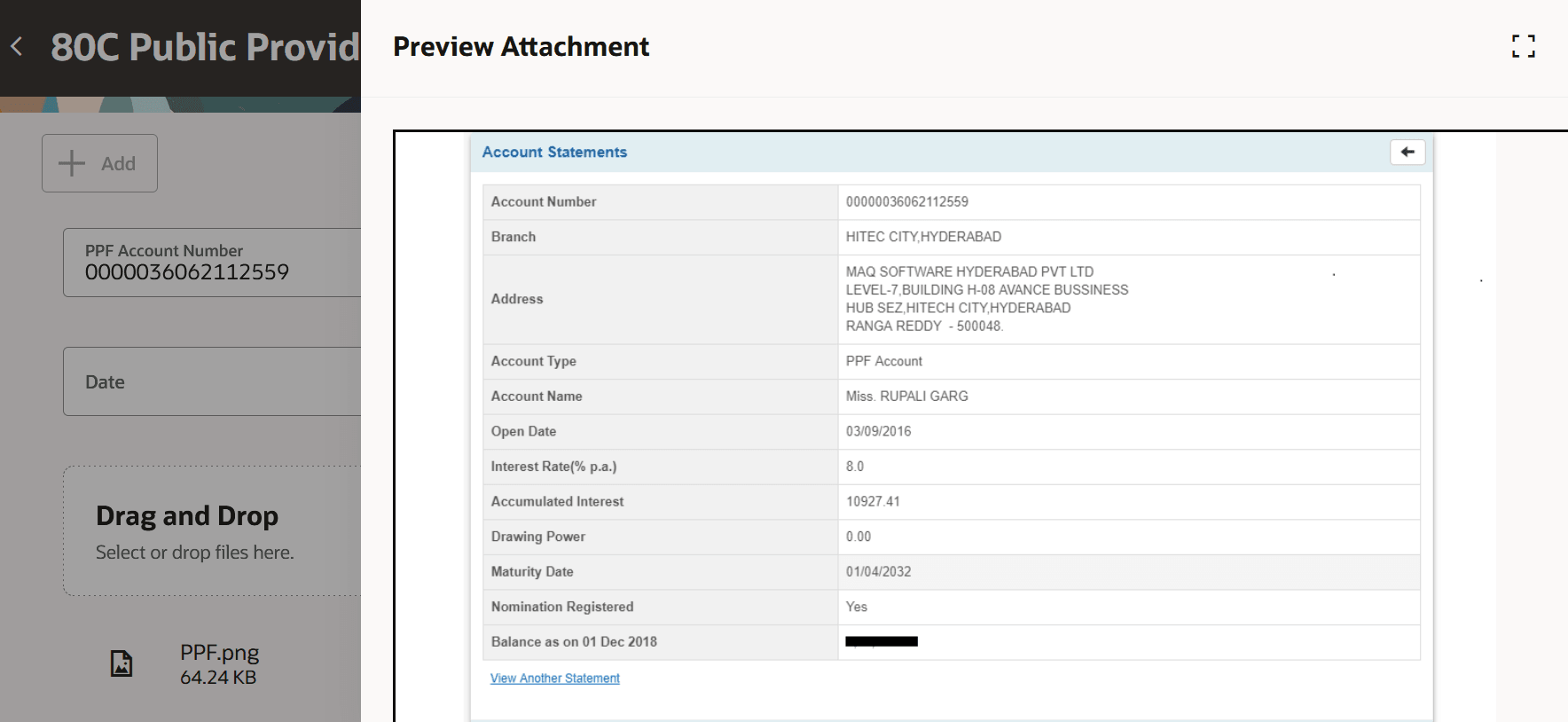
Preview Submitted Attachment
View the attachment preview to verify and approve the submitted documents of investment proof.
Reduces dependency on file downloads and streamlines both the submission and verification workflows.
Steps to enable and configure
You don't need to do anything to enable this feature.
Tips and considerations
See here for more information.