 Redwood: Control The Default Date Range And Order When Viewing Anytime Feedback
Enables HR Administrator to define the default and order of the anytime feedback date ranges by using the sequence defined for the lookup codes. A combined date range now displays at the top of the page, which applies to both anytime and requested feedback, including the AI generated feedback summary.
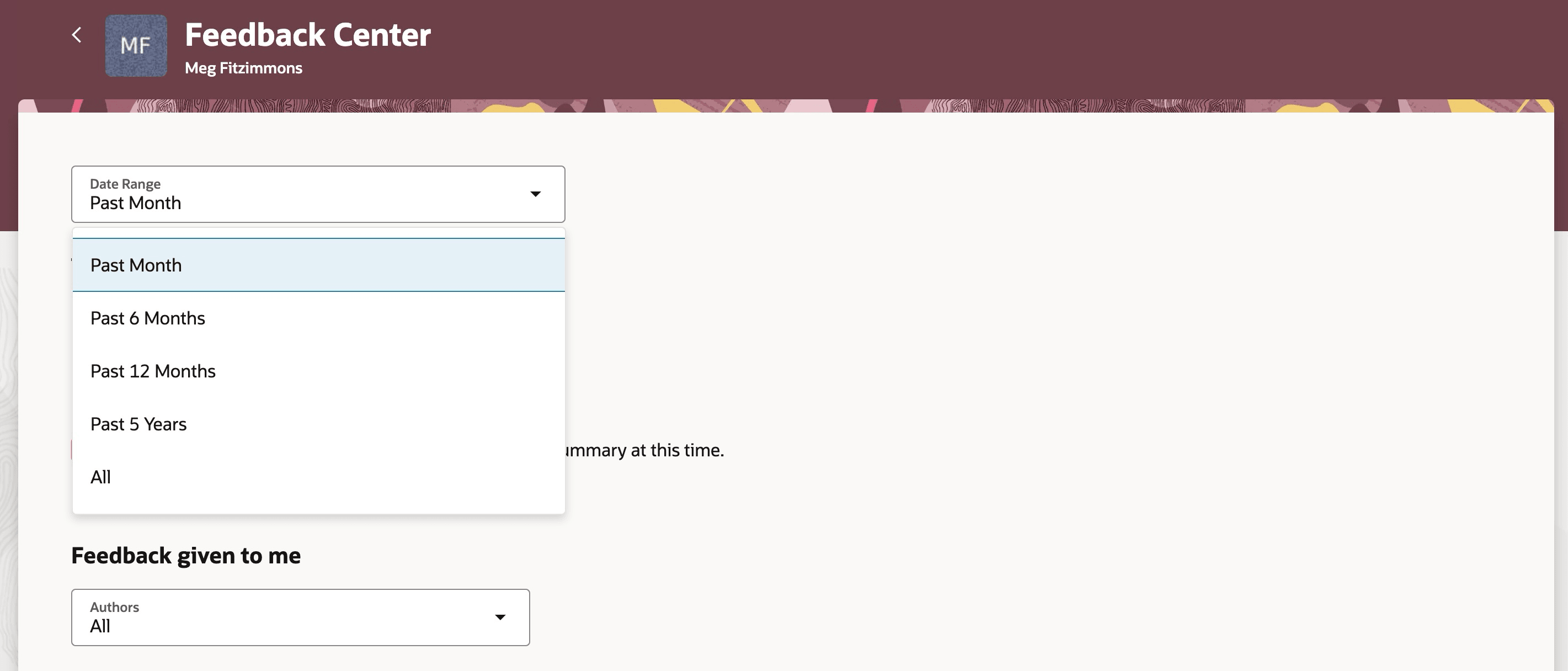
Date range option in Feedback Center at page level
Helps customize the date range option to filter an employee's feedback.
Steps to enable and configure
For details on how to setup default range and sequence for lookup codes, see How can I setup default date range and sequence for lookup codes in Notes?
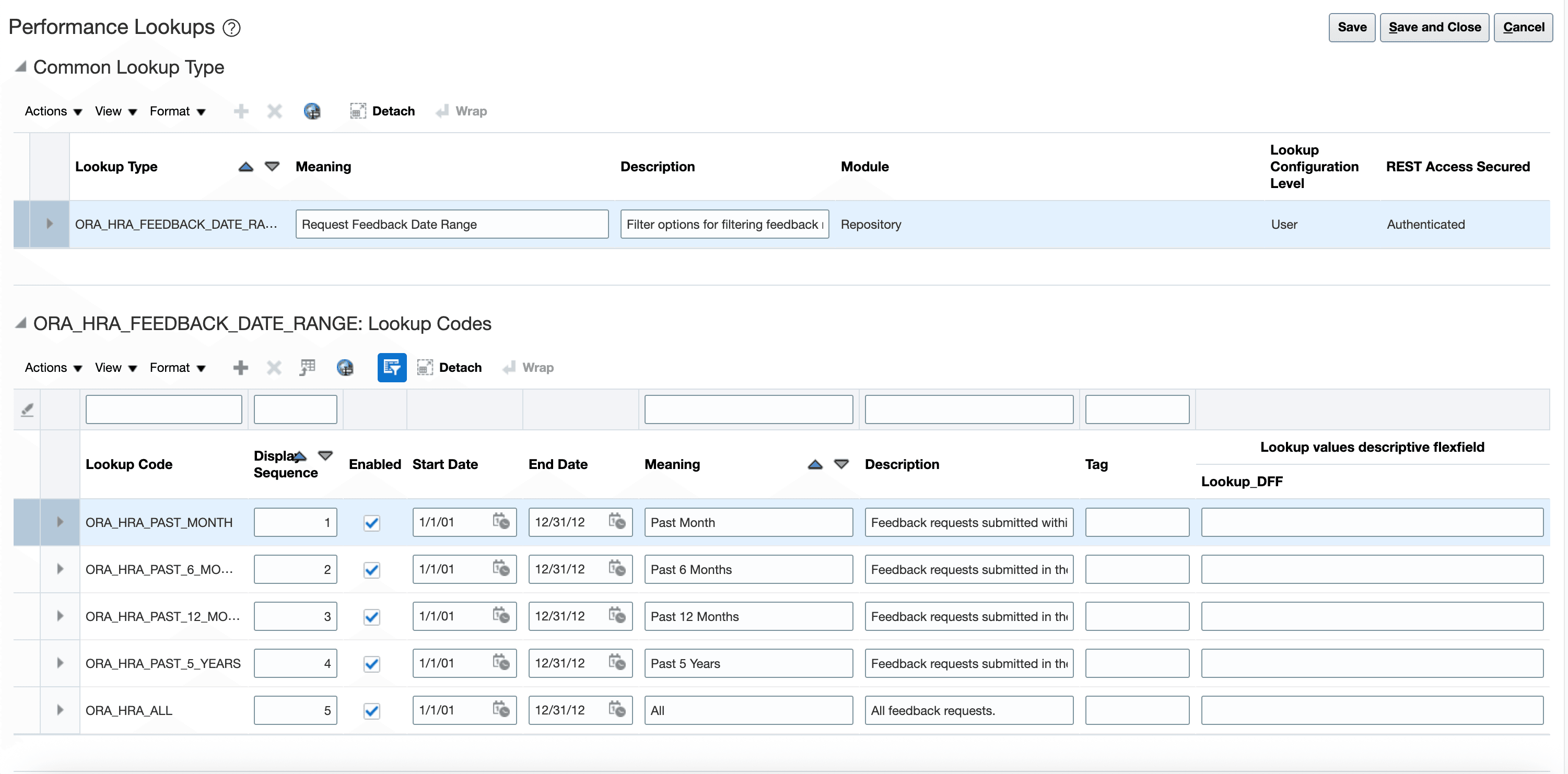
Define the date range and sequence for lookup codes