Redwood: Talent Review Meeting Dashboard - View Succession Plans and Talent Pools in Panels
While conducting a Talent Review meeting, you are no longer taken to a separate page when you do any of these actions:
- Create a succession plan and associate it with the meeting.
- Add an existing succession plan to the meeting.
- View details of an associated succession plan.
- Create a talent pool and associate it with the meeting.
- Add an existing talent pool to the meeting.
- View details of an associated talent pool.
You can perform the action in a panel within the dashboard page.
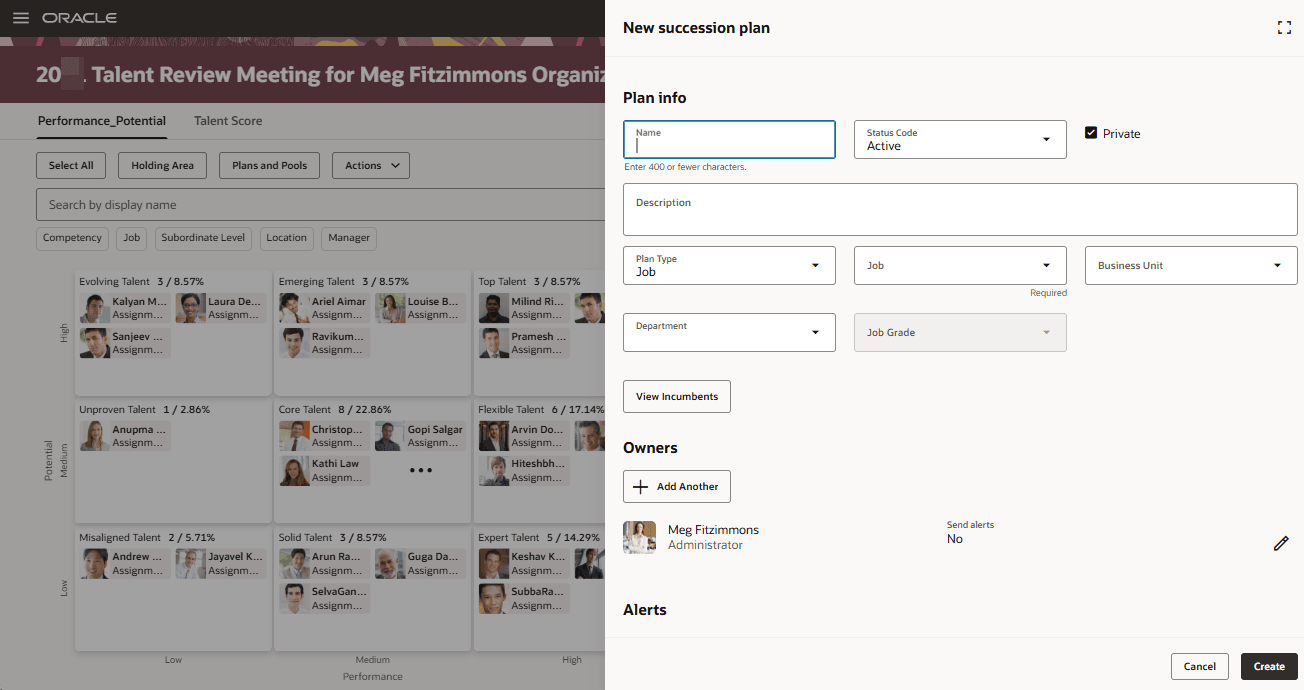
New succession plan Panel
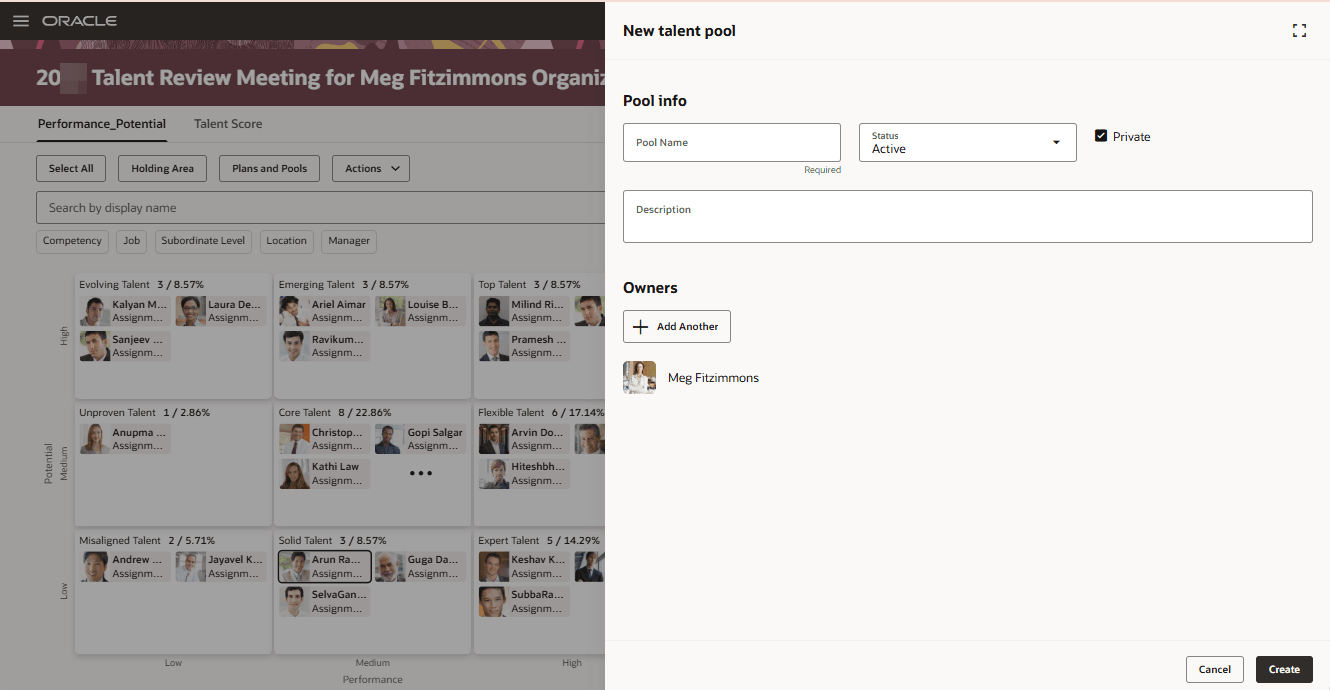
New talent pool Panel
Business Benefit
Remain in the context of the Talent Review meeting dashboard when working with associated succession plans and talent pools and conduct your talent review meeting with ease.
Steps to enable and configure
To view the Redwood redesigned Talent Review meeting pages, you need to enable the profile options indicated in the table.
|
Profile Option Code |
Profile Option Display Name |
Value |
|---|---|---|
|
ORA_HCM_VBCS_PWA_ENABLED |
Enable VBCS Progressive Web Application User Interface |
Y |
| ORA_HRR_TALENT_REVIEW_REDWOOD_ENABLED | Redwood Talent Review Enabled | Yes |
| ORA_HRR_REDWOOD_DASHBOARD_ENABLED | Redwood Talent Review Meeting Dashboard Enabled | Y |
| ORA_HRM_SUCC_PLANS_REDWOOD_ENABLED | Redwood Succession Plans Enabled | Yes |
| ORA_HRM_TALENT_POOL_REDWOOD_ENABLED | Redwood Talent Pools Enabled | Yes |
For more information, see How do I enable a profile option?.