Total Compensation Statement: Redwood Experience for Statement Definitions
Check out the new Statement Definitions page re-created with the Redwood tool set Visual Builder Studio (VBS). You can enable the page along with the Redwood experience.
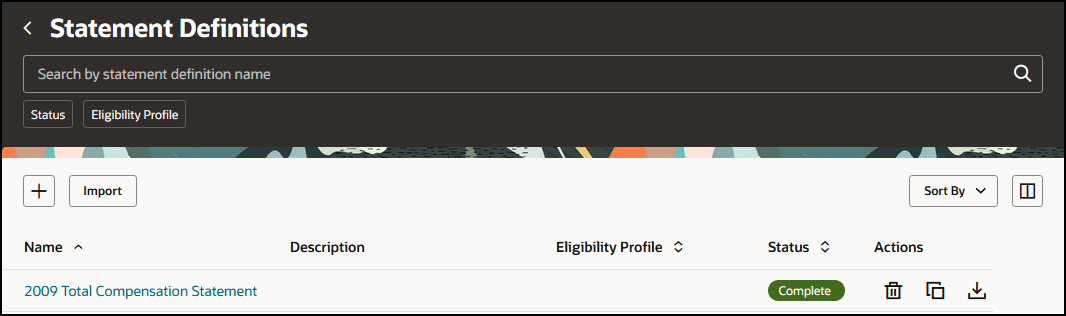
Statement Definitions
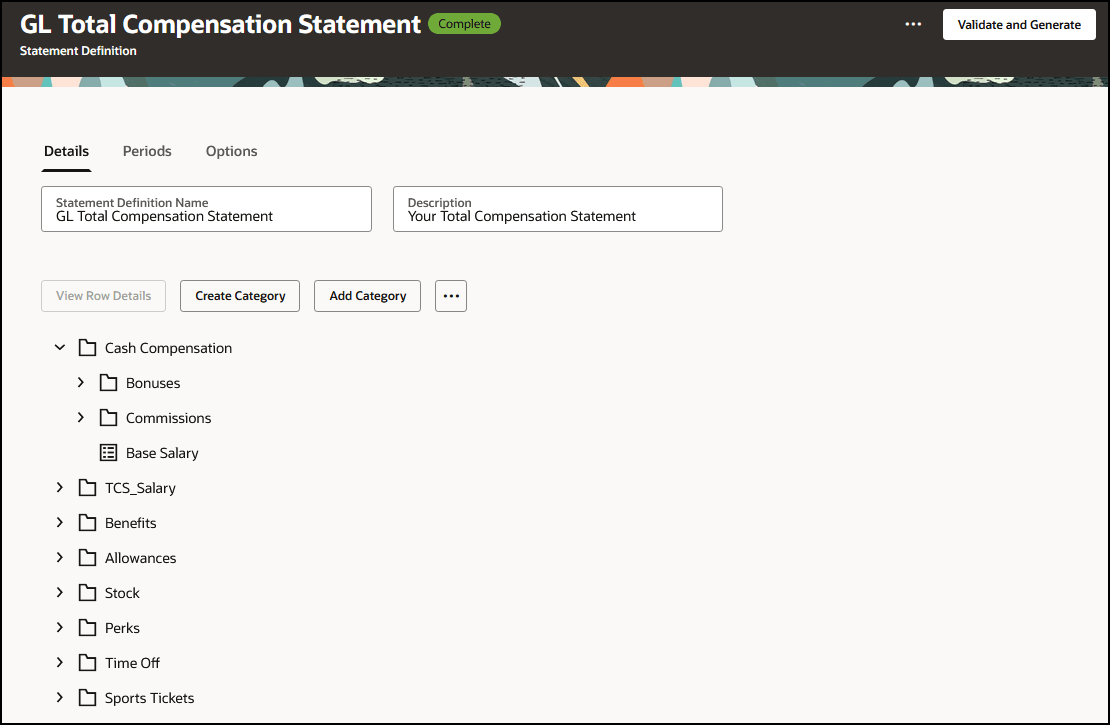
Statement Definition
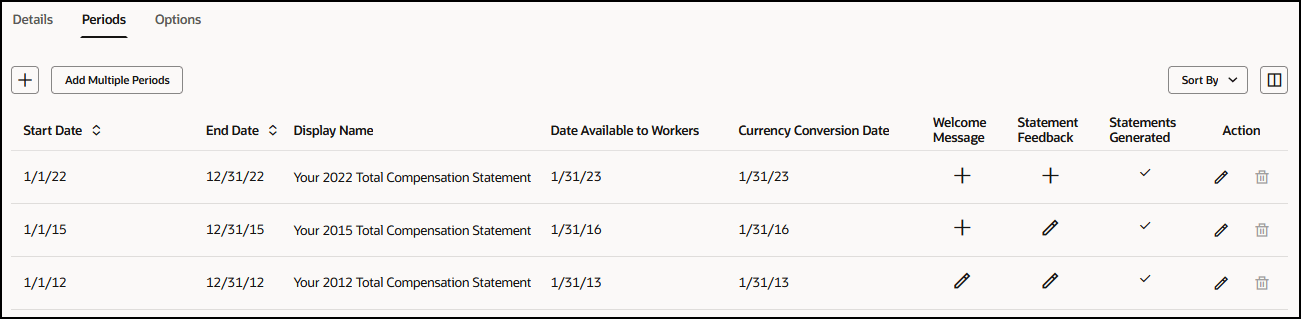
Periods
With this re-created Redwood page, you continue your journey into Oracle Redwood solutions.
Steps to enable and configure
Use the Opt In UI to enable this feature. For instructions, refer to the Optional Uptake of New Features section of this document.
Offering: Compensation Management
Enable these profile options to use the new Welcome Message page. To revert to the non-Redwood page, set the site-level profile value to No for this profile option. To configure a profile option, complete these steps in the Setup and Maintenance work area:
- Search for and click the Manage Administrator Profile Values task.
- Search for and select the profile option.
- Set the Level to Site.
- In the Profile Value field, select a value.
|
Profile Option Code |
Profile Option Description |
Value |
|
ORA_HCM_VBCS_PWA_ENABLED |
Enable VBCS Progressive Web Application User Interface |
Y |
| ORA_CMS_TOTAL_COMPENSATION_STATEMENTS_REDWOOD_ENABLED | Redwood Total Compensation Statements Enabled | Yes |
| ORA_CMS_TOTAL_COMPENSATION_STMT_SETUP_REDWOOD_ENABLED | Redwood Total Compensation Setup Enabled (new) | No |
The default value for this new profile is No. Only when all 3 profiles are enabled, will you see the redwood version of the Statement Definition setup page.
Key resources
For a listing of all profile options for the recreated pages across applications, see the following document in My Oracle Support: HCM Redwood Pages with Profile Options - Document ID 2922407.1