Improved Display of Toast Messages on Redwood Document Records Pages
Redwood Document Records pages now display toast messages more prominently, making user feedback easier to see after actions such as adding a document record or running a mass download process. This enhancement improves how toast messages are displayed on Redwood Document Records pages, making notifications easier for users to notice.
For example, when a user updates a document record, a toast message appears in a more noticeable location, so the user can immediately see that the action has completed successfully without having to search for confirmation elsewhere.
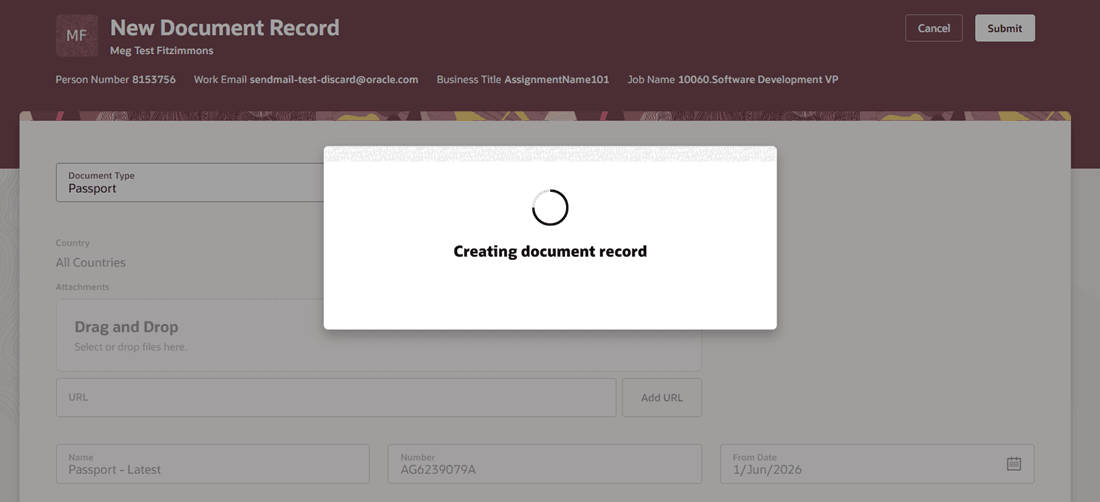
Toast Message Displayed When Document Record is Created
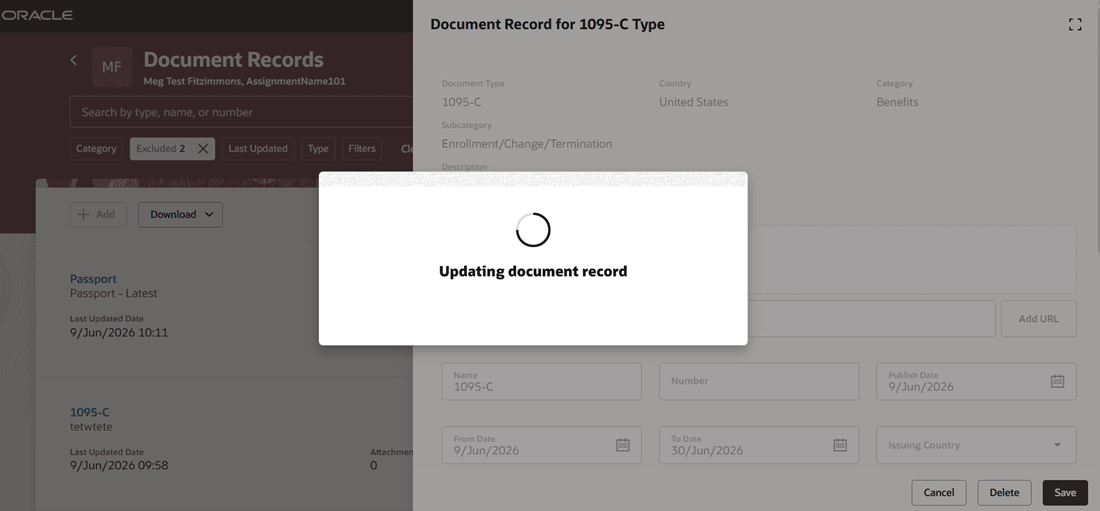
Toast Message Displayed When Document Record is Updated
Users get clearer on-screen feedback after completing actions on document records, which helps them confirm outcomes more quickly and continue working with less uncertainty.
Steps to enable and configure
You don't need to do anything to enable this feature.
Tips and considerations
-
The confirmation message is transient and may disappear quickly after the transaction is submitted. This is expected behavior.
Key resources
For more information about document records, refer to the Using Global Human Resources guide.