Time Profiles Analyst
Time Profiles Analyst is a seeded runnable AI agent that helps users find, review, and troubleshoot Oracle HCM time profiles.
Use the agent to:
- List available time entry, time device, time processing, or time product profiles.
- Identify the time profile that applies to a worker by person name, person number, profile name, or effective date.
- Review profile properties such as priority, status, type, description, layout set, and effective dates.
- Assign or remove a worker’s time profile override by providing the profile name, worker, and effective dates.
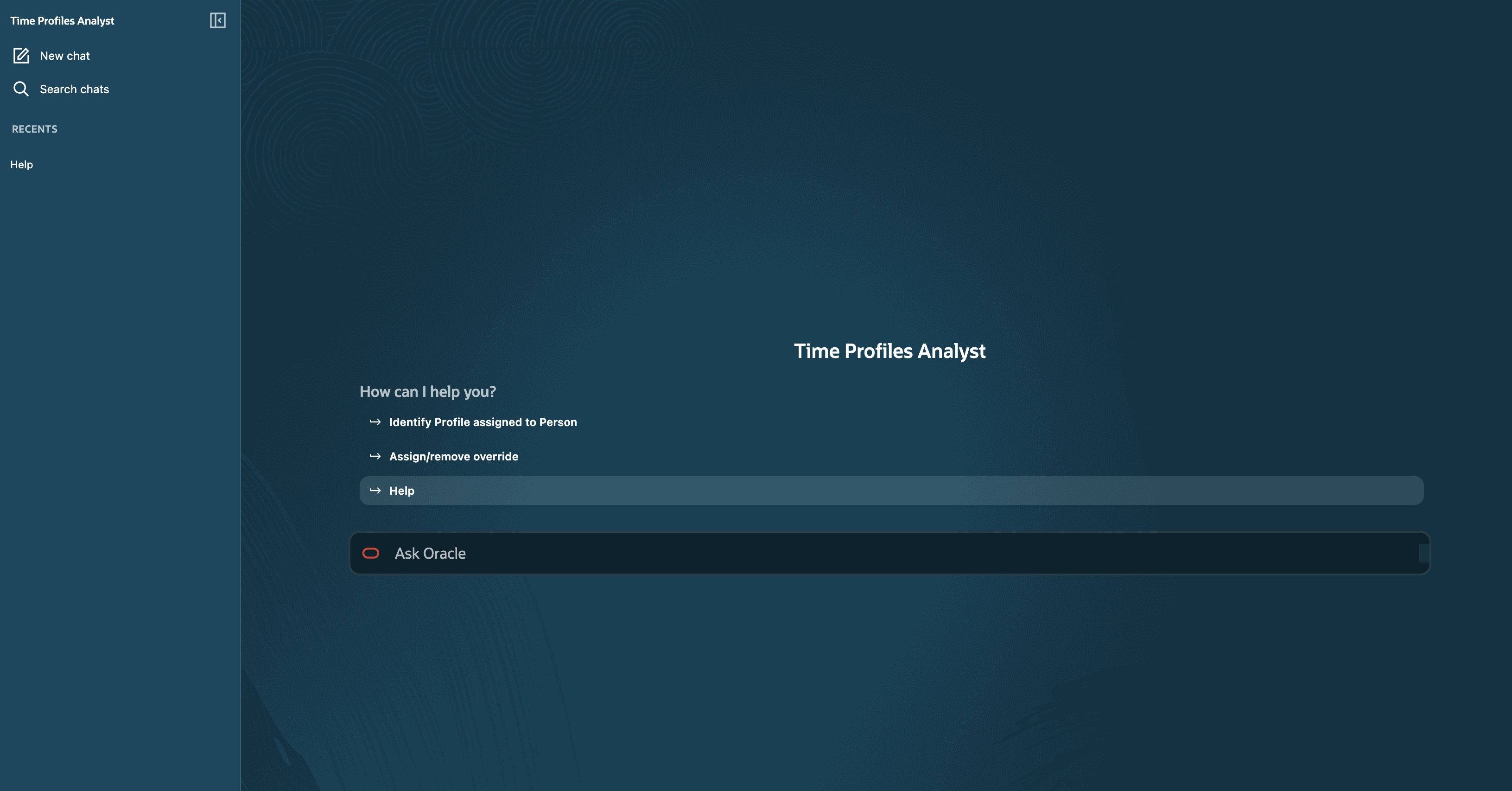
Time Profiles Analyst landing page with suggested actions for identifying profile assignments, managing overrides, and viewing help
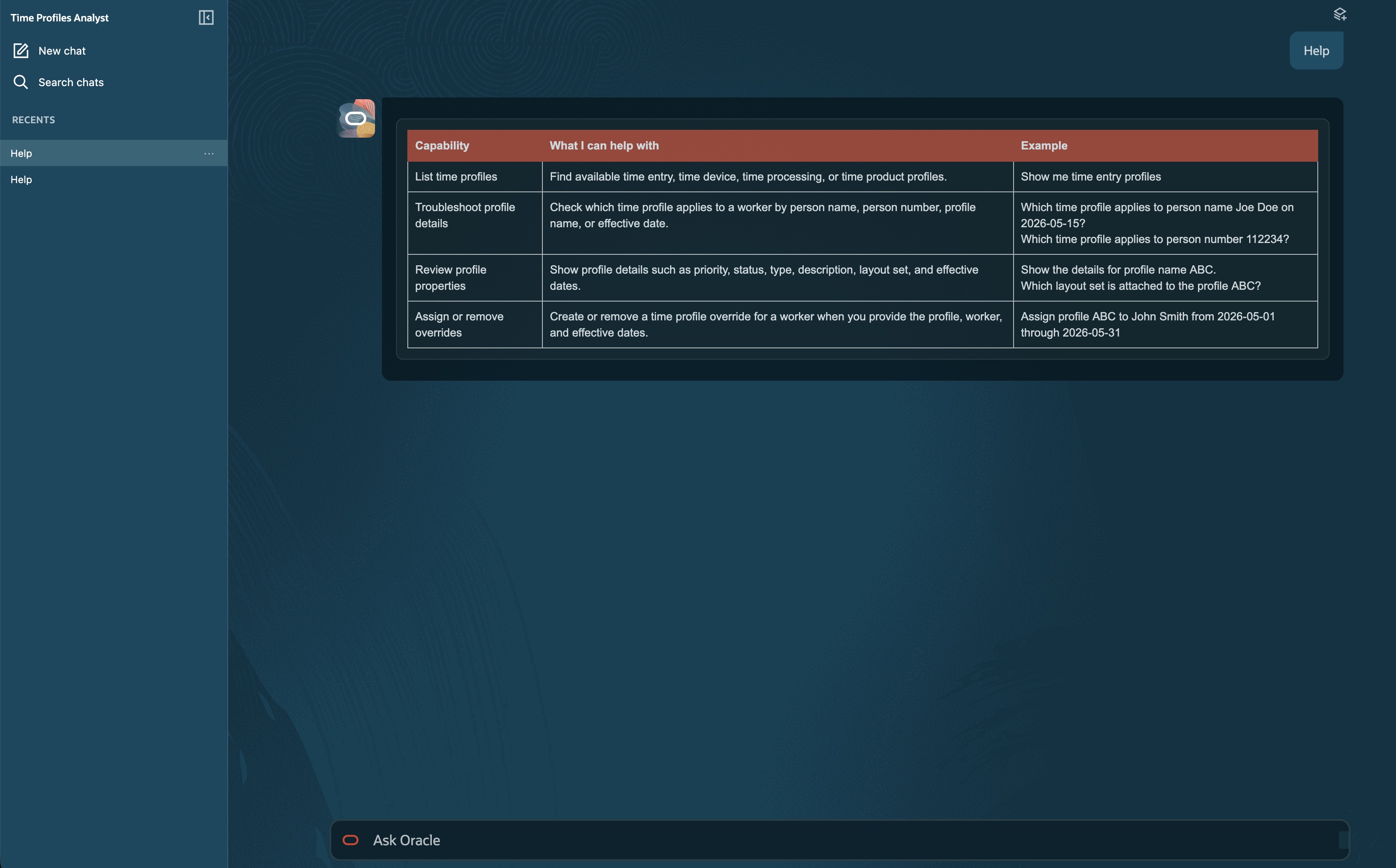
The Help response lists the agent’s supported capabilities and example prompts
Reduce the time required to locate and interpret time profile configurations. Managers can troubleshoot profile assignments and optionally override profile assignment.
Steps to enable and configure
Your environment must have the appropriate services for Oracle Applications Platform deployed. For more information, see FAQ2521 on My Oracle Cloud Support.
Set the Enable Security Console External Application Integration (ORA_ASE_SAS_INTEGRATION_ENABLED) profile option to Yes and enable permission groups for the appropriate roles. See Access Requirements for AI Agent Studio.
Tips and considerations
- Enter Help in the chat to display a table of supported capabilities and example prompts.
- Confirm the worker, profile, and effective dates before assigning or removing a time profile override.
Access requirements
Users require the Time and Labor Workflow Agents Access duty role to access Time and Labor agents.