Diagnostic logs in Oracle CPQ Running in Fusion
Oracle CPQ running in Fusion supports a new Diagnostic Logs page that allows administrators to review diagnostic log output from a secure and searchable location within Oracle CPQ.
The new diagnostic logging UI helps administrators:
- View BML print, debug, and information messages during configuration, commerce, and document generation.
- Search, sort, and copy diagnostic log entries directly from the CPQ Admin UI.
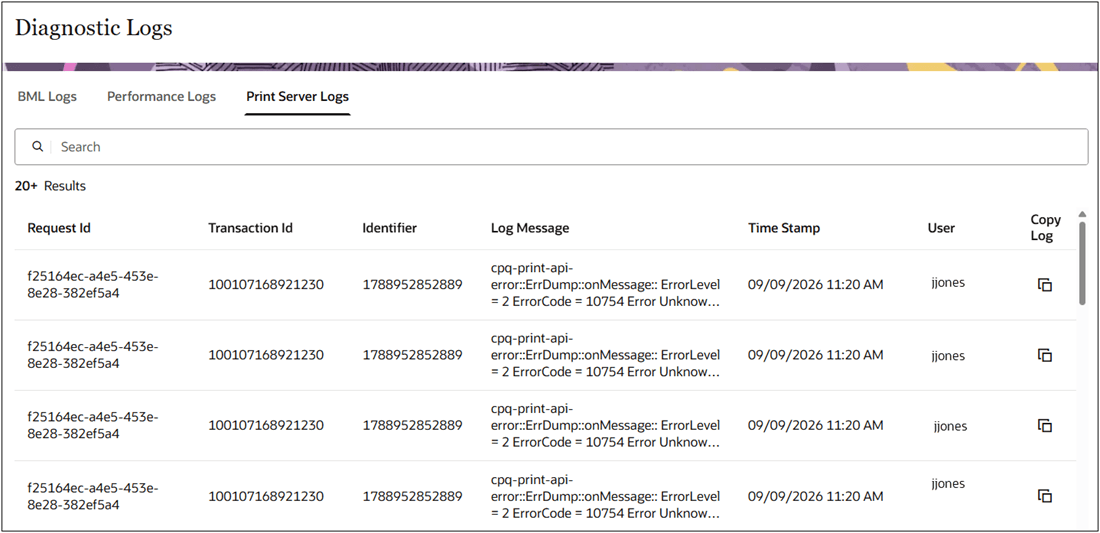
- Review BML Logs, Performance Logs, and Print Server Logs in separate tabs.
- Troubleshoot issues without raw application log file access.
- Maintain diagnostic data access within the Oracle CPQ application.
Steps to enable and configure
You don’t need to do anything to enable this feature.
To view the Diagnostic Logs, complete the following steps:
- Navigate to CPQ Admin Home > Developer Tools & Utilities > Logs > Error Logs.
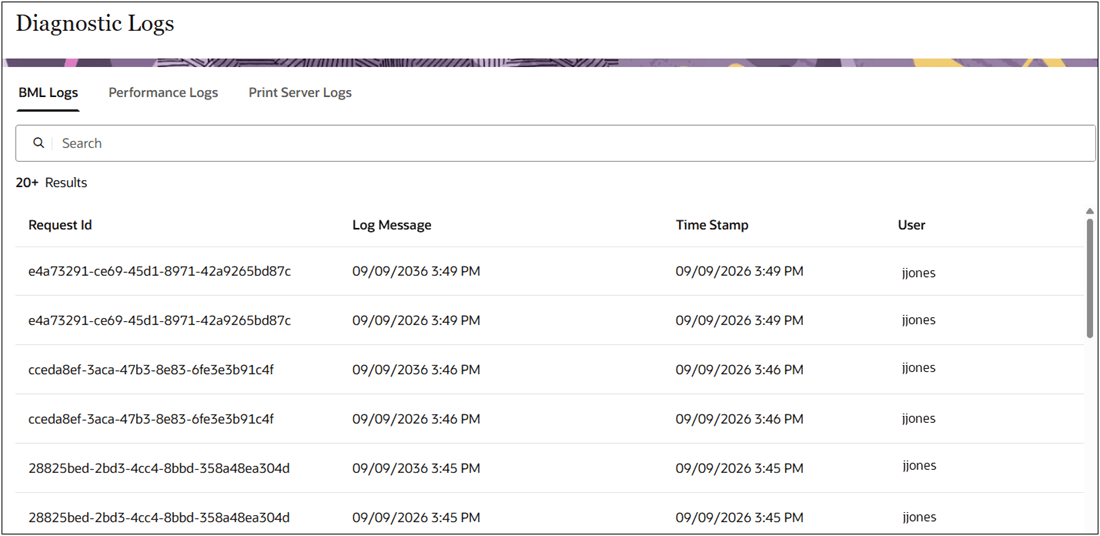
- Select the BML Logs tab to review the BML diagnostic log.
- Use Search to filter log messages by keyword or debug prefix.
- Sort by Time Stamp to find recent entries.
- Use Copy Log to copy a log entry.
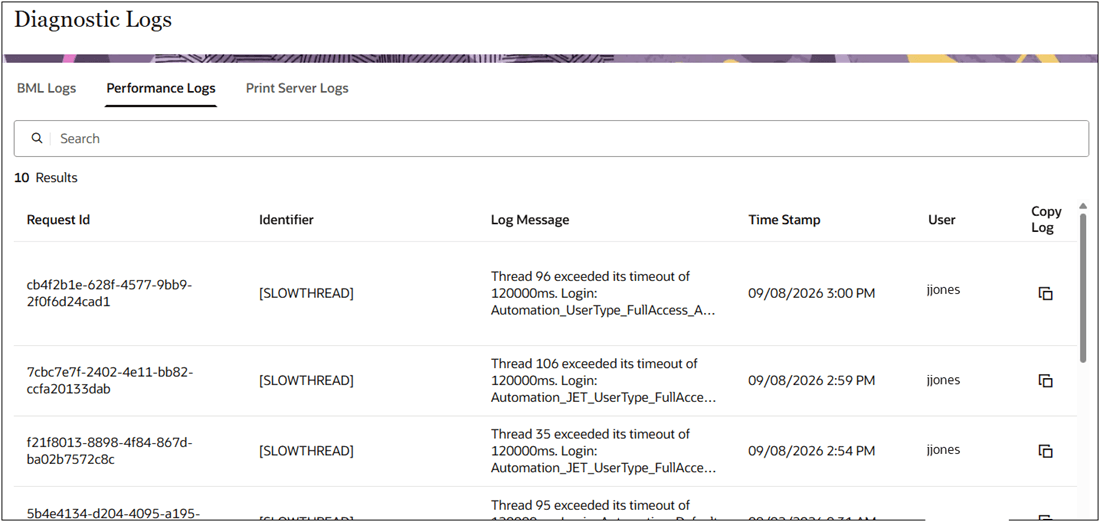
- Select the Performance Logs tab to review timing and execution details.
- Select the Print Server Logs tab to review document-generation diagnostics.