Define plant parameters using a new user experience
Define plant parameters using a new guided process that simplifies the definition and maintenance of plant parameters. Parameter definition is organized into nine sections, including Plant Details, Material Control, Work Definition, Production Defaults, Production Configuration, Execution Defaults, Execution Configuration, Reports and Templates, and Maintenance. The guided experience presents related parameters together and guides users through the process of defining plant parameters.
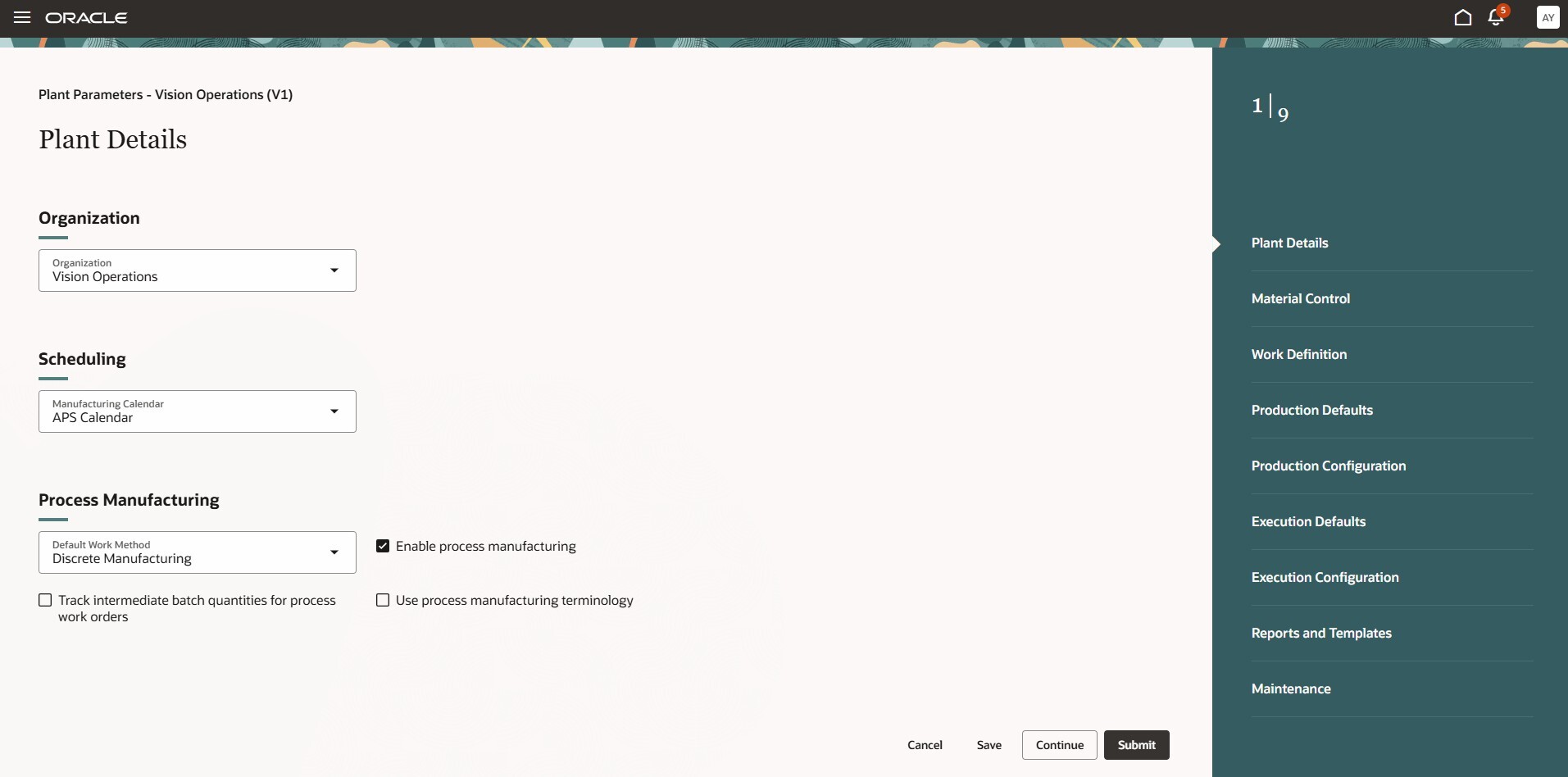
Plant Parameters Guided Process
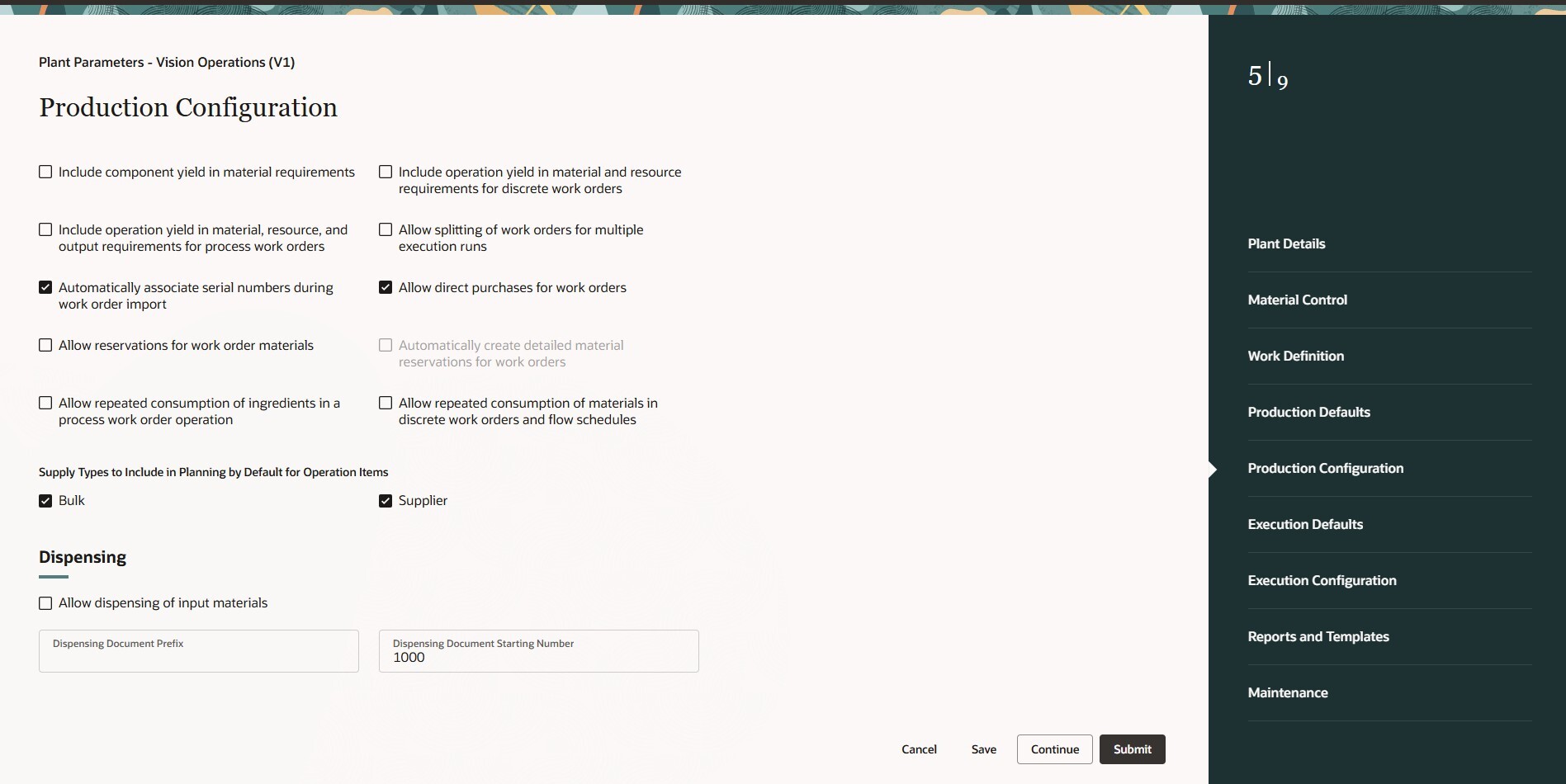
Plant Parameters: Production Configuration
This guided process helps users define plant parameters accurately and efficiently. It makes required definitions easy to find and navigate, providing step-by-step guidance that reduces complexity.
Steps to enable and configure
Follow these steps to enable or disable this feature:
- In the Setup and Maintenance work area, search for and select the Manage Administrator Profile Values task.
- On the Manage Administrator Profile Values page, search for and select the ORA_RCS_PLANT_PARAMETERS_REDWOOD_ENABLED profile option code.
- In the Profile Values section, set the Site level to Y or N.
Y = enables the feature
N = disables the feature - Click Save and Close. Changes in the profile value will affect users the next time they sign in.
Access requirements
Users need all of the following privileges to access this feature:
| Privilege status | Privilege name and code |
|---|---|
| Previously delivered | Manage Plant Parameters RCS_PLANT_PARAMETERS_PRIV |