Case Workers Can Now Manage Complex Issues within a Case
Case workers can now manage multiple structured issues within a single case. Each Issue within a Case can have its own category, issue or allegation value, status, evidence context, and progress.
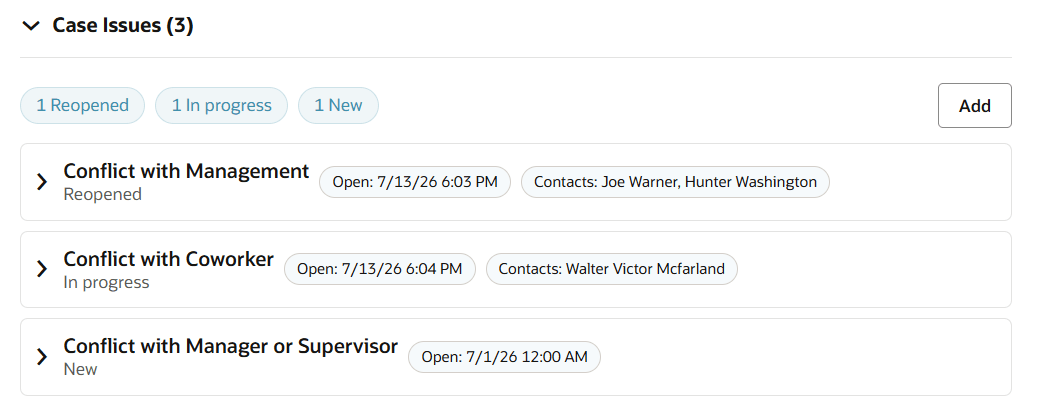
A Case with 3 Case Issues
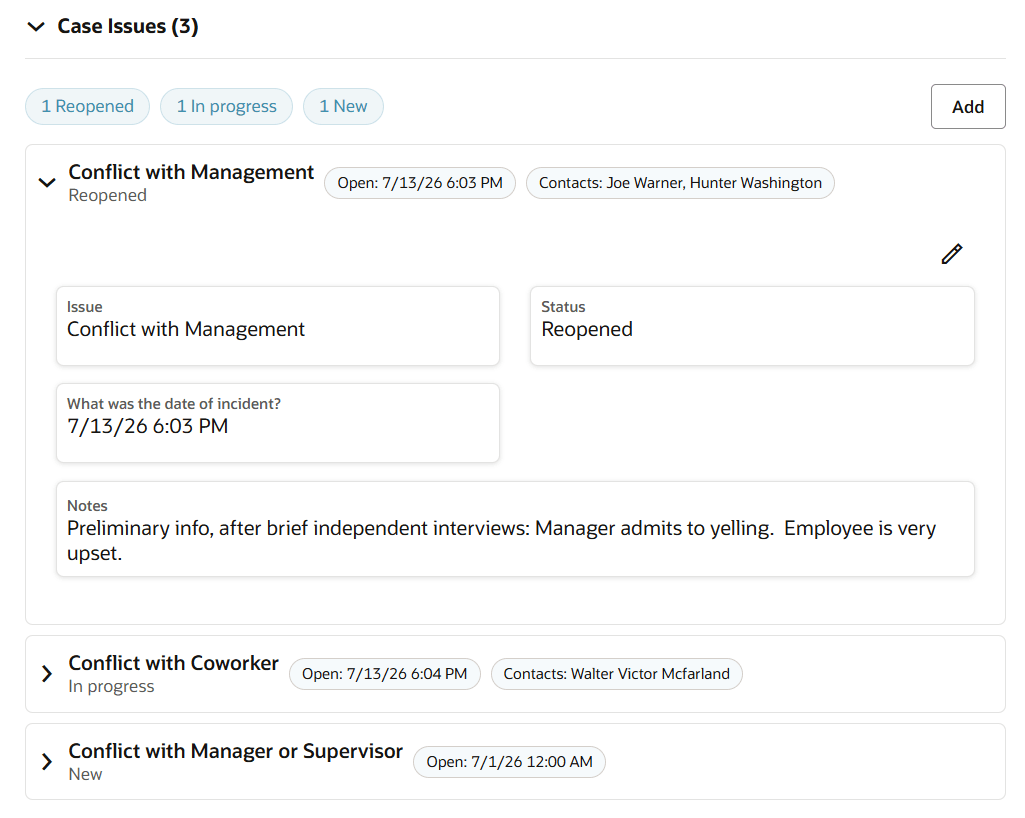
Details of a Case Issue
Case workers can now track and resolve complex cases more effectively by managing each issue independently, rather than combining multiple allegations, complaints, or investigative threads, with much greater visibility into the status, evidence, actions, and outcome of each issue.
Steps to enable and configure
To enables Case Issues for a specific Case Type:
- Go to Setup and Maintenance.
- Click the Tasks icon, then click Search.
- Search for and open Manage Administrator Profile Values.
- Enter profile option code ORA_SVC_CASE_TYPES_ENABLE_ISSUES_SECTION.
- Set the profile value to a valid Case Type Code (such as 'ORA_SVC_CASE_GRIEVANCE').
- Click Save and Close, then click Done.
Tips and considerations
- It is recommended that an organization considers enabling the Case Issues section for Case Types that commonly include more than one allegation, complaint, or investigative thread.
- The Case Analyzer AI Agent will use Case Issue information in summaries and analyses when available.
Key resources
After this feature is generally available, a video showing how to configure your environment and a demonstration of the functionality may be found on Oracle Video Hub: Fusion Help Desk.
Access requirements
Users need access to Case Management and applicable Case records. No additional privileges are needed for Case Issue management.