Search Across All Sales Information (Global Search)
Search all sales information from the Ask Oracle bar.
In the Sales Dashboard Ask Oracle bar, enter a search keyword.
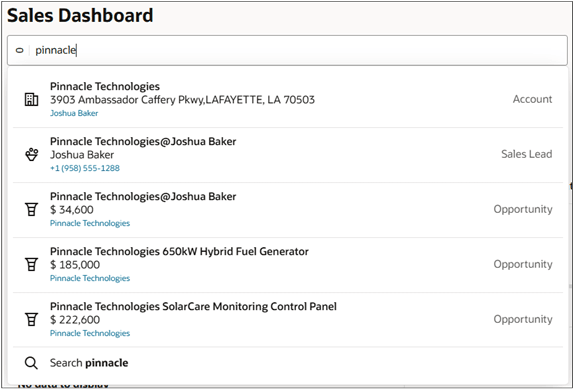
- If you see what you're looking for in the list of suggestions, drill down on the name. Or click the link to the parent object. For a lead, call the primary contact.
- If you don't see the item, click Search at the bottom of the list.
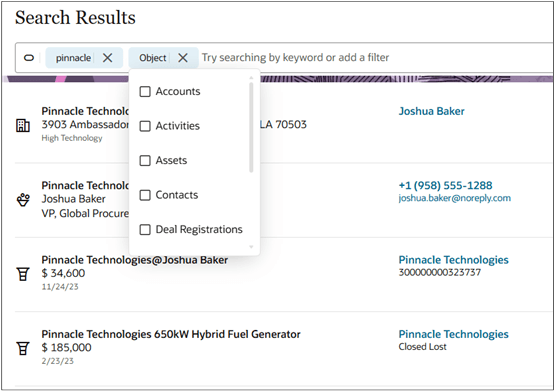
In the Search Results page, you can filter the list of results by object and other attributes.
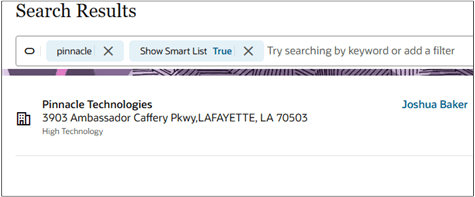
To show only the results that you've interacted with recently, add the Show Smart List filter and set it to True. The filter displays the most relevant items to you as described in Display the Most Relevant Items to You.