Guidance Validations and Minimum Requirements
When you test or activate a guidance, the application verifies that you met these minimum requirements before you can proceed:
-
You must enter selection criteria for the records the guidance will run on.
You can use the same criteria for both the guidance definition and for testing, or you can add additional criteria to specify the records you want to use for testing. You can test only on 3 records at a time. And you must use different records each time you test because the guidance updates the record as it runs. If the combined selection criteria return more than 3 records for testing, the application uses the first 3.
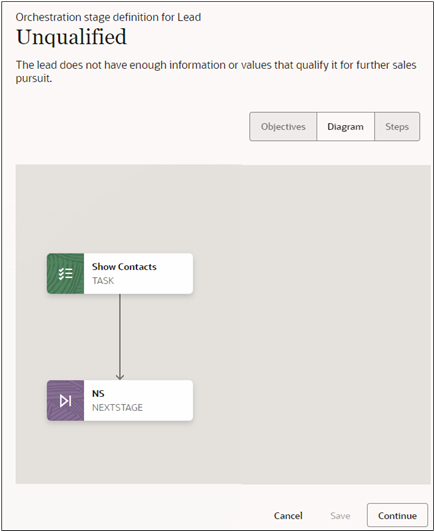
- You must add at least one objective to each guidance stage with manual steps and you must map each objective to one or more steps.
- Each guidance stage must have at least one step. This can be any step, including Stop.
- Guidance stages that include only automated steps don't require any objectives at all.
- Each guidance stage, except the last stage, must have at least one Next Stage step to move the process to a different guidance stage. The guidance doesn't move to another stage by itself and you can't link individual steps between the stages.
- Each step, except the Stop step, must have a next success step.
- End the last stage in the guidance with a Stop step.
- End each branch of the guidance with a Stop step or a Next Stage step.
- You must enter success criteria for guidance steps that require them. You may want to deem an appointment to be a success when the salesperson selects a Positive Outcome as the status in their call wrap up, for example. You may decide that an email automation step is complete only when the contact responds rather than when the email is sent out.