How do I review my individual performance?
Use the Inventory Task mobile page to review your individual performance based on the defined performance plan and review criteria at the organization, zone, or subinventory level.
Here's how:
- In the Inventory Execution work area or quick actions, select Inventory Tasks.
- Search for and select the organization, and then click Next.
- Click the in-app navigation to switch to the My Performance tab.
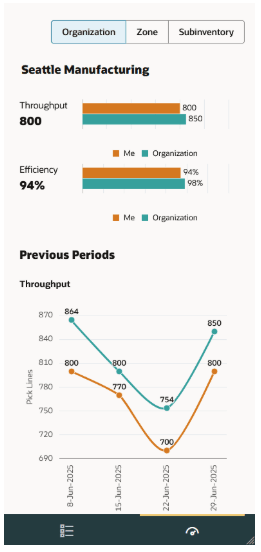
From here, you can:
- View your throughput and efficiency, and compare them to organizational averages.
- Track your performance trends for the last 4 periods.
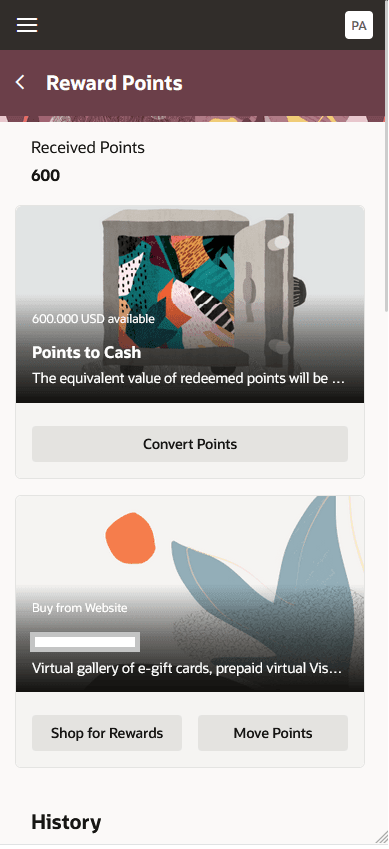
- Navigate to the Oracle Celebrate page to view and redeem your rewards.