Enabling Multi‑GAAP Tax Rates
Prerequisite: Application must be Hybrid Dense Sparse Optimization enabled
- For new applications: Select the feature during Feature Selection.
- Click Create Application: Features.
- Select Tax Rates by Multi-GAAP.
- Click Enable.
- For existing applications:
- From the Home page, click Applications, and then Configuration.
- On the Configure screen, click Enable Features.
- Select the checkbox next to Tax Rates by Multi-GAAP.
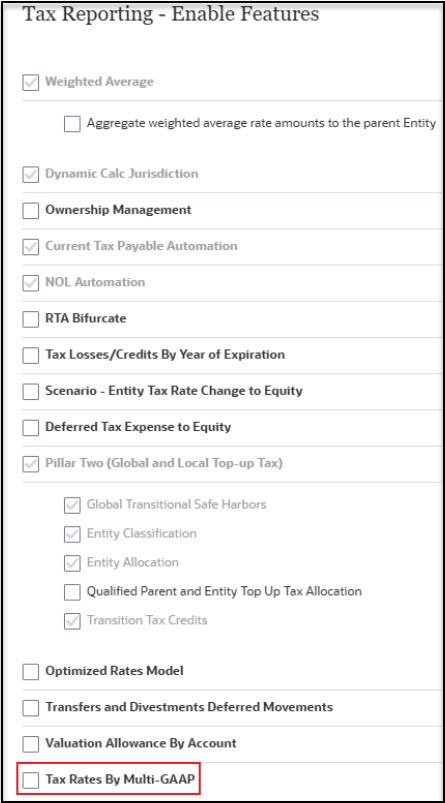
- When the system displays a message that the functionality has been enabled, click OK.
- Log off, and then log back on to see the enabled feature.