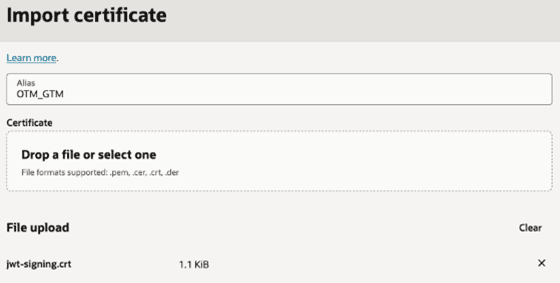
Importing a Certificate into IDCS of OTM
- Sign in to the Admin Console in the IDCS of OTM.
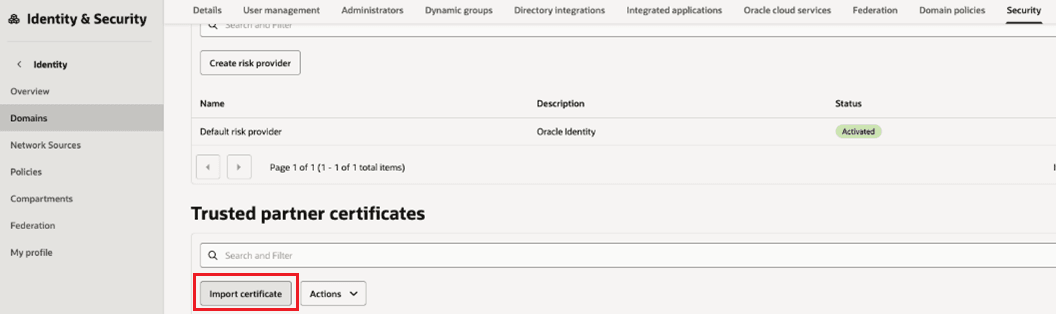
- Go to the Security tab of the default domain.
- Select Import certificate.
- For the name enter the same Alias created previously.Remember: Use the value that you wrote down for the IDCS of OTM confidential app certificate Alias in Prerequisites.
- Select Drop a file or select one.
- Select the file used in the previous section.Remember: Import the certificate that you created earlier. Generating Public/Private Keys with a Certificate
- Select Import.