Serial Number Inventory View
You can use the Serial Number History View and serial Number Inventory View screens to audit the movement of serial numbers. The Serial Number Inventory screen provides a comprehensive view of serial numbers and their associated inventory records, such as LPNs, in a single record.
It displays a 'flattened' view, making it easier to track the movement and status of
serial-numbered inventory. Serial Number History shows history of the serial Number
within the warehouse and its movements as well.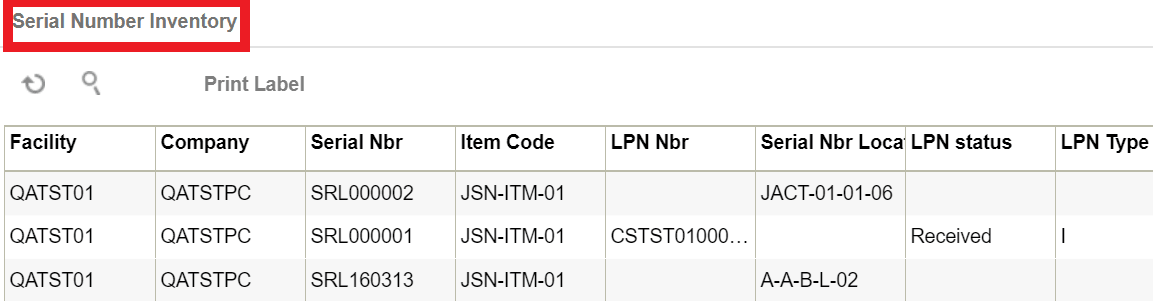
Note: If a serial number does not have an associated
inventory, the LPN Number/Status/Type columns are left blank. If a serial number is
shipped and returned back to the same facility, this screen displays two records
(shipped and received).