Purge Datastore
You can change the datastore retention and purge it from the top-right navigation menu:

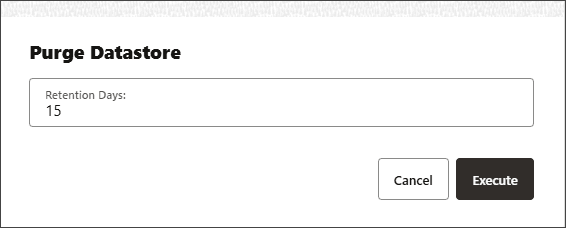
Clicking the Purge Datastore option opens the Purge Datastore dialog box. You can enter the retention days to set the new period from 1 to 365 days, then Execute to activate the purge. The details of the purge are also displayed.