Database Data Source
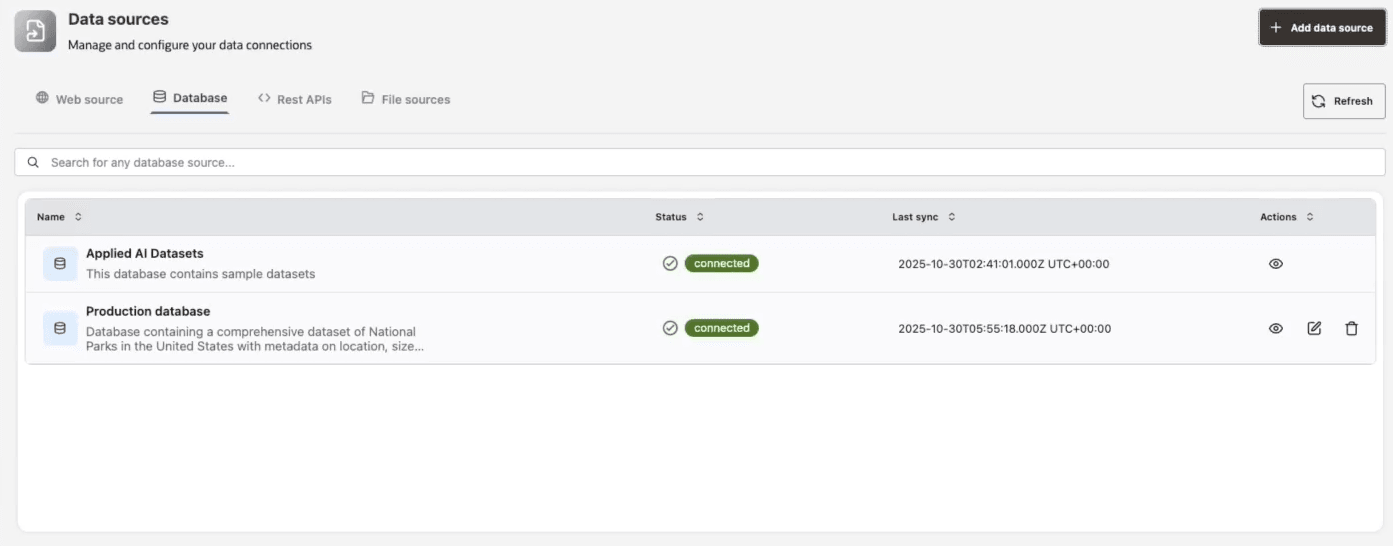
Connect to structured data sources, such as relational databases to provide comprehensive and organized information for your data analysis agents.
-
Direct Database Access: Integrate with enterprise databases like Oracle AI Database, allowing agents to run queries and analyze data. Set up and test a database connection configuration using either the connection string, connection details, or a wallet to create a database data source.
Note: Only
SELECT-like queries are supported for security and governance. -
User-Specific Security: Access is managed according to user credentials and roles, ensuring appropriate data governance and compliance.
See Data Sources Troubleshooting for information about data source-related statuses and errors.
Connection Methods
Agent Factory supports three common database connection methods:
| Method | Use when | Required information |
|---|---|---|
| Connection string | You already have a full Oracle connection descriptor or Easy Connect string. | Connection string, username, password. |
| Connection details | You want Agent Factory to build the connection from fields. | Host, port, service name, protocol, username, password. |
| Wallet | You connect to Autonomous Database or another wallet-based Oracle Database. | Wallet ZIP, selected alias from tnsnames.ora, username, password. |
Wallet uploads are validated before use. The wallet ZIP must contain the required Oracle Net files such as sqlnet.ora and tnsnames.ora, and Agent Factory must be able to identify or use the selected alias.
What Test Connection Validates
The connection test verifies that Agent Factory can:
- Reach the database from the application container.
- Authenticate with the supplied database user.
- Resolve the wallet alias or connection descriptor.
- Open a database session.
The test does not guarantee that the user can query every table or view that you later select for a Data Analysis Agent. Grant read access to the required objects before creating the agent.
Security and Troubleshooting
- Use a database user with the least privileges needed for the selected tables and views.
- Prefer views when you need to restrict columns or rows for agent access.
- Do not use the Agent Factory repository user as a broad enterprise data source user.
- If a wallet upload fails, check that the ZIP is valid, does not contain nested path traversal, and includes
sqlnet.oraandtnsnames.ora. - If a selected alias is missing, verify that the alias exists in
tnsnames.ora. - If the connection works but the Data Analysis Agent cannot use an object, verify object grants and synonyms for the database source user.
For repository database users and grants, see Database Preparation and Grants.