25.1.3.1 Adding an Activity from the Palette
Add workflow activities by dragging them from the palette onto the canvas.
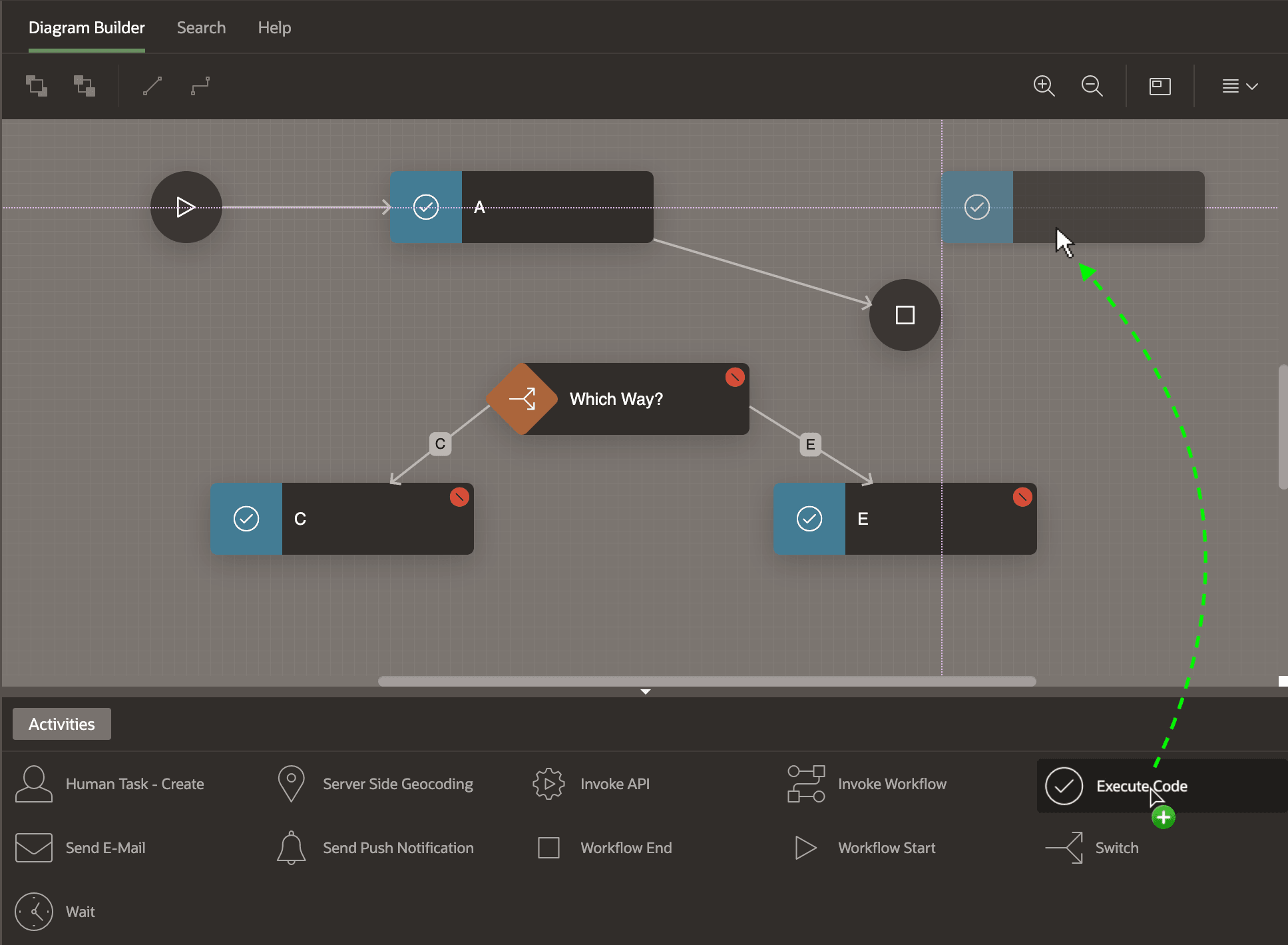
To add a new activity to the workflow canvas, drag it from the Activities palette and drop it onto the canvas. As shown below, guidelines appear to help you align it to existing activities.
Figure 25-2 Dragging an Activity from the Palette and Dropping onto the Canvas
Parent topic: Connecting and Routing Activities