11.7.3 Assigning IAM Domain Users to Groups
Assign users to a group on the Users tab of the group edit page.
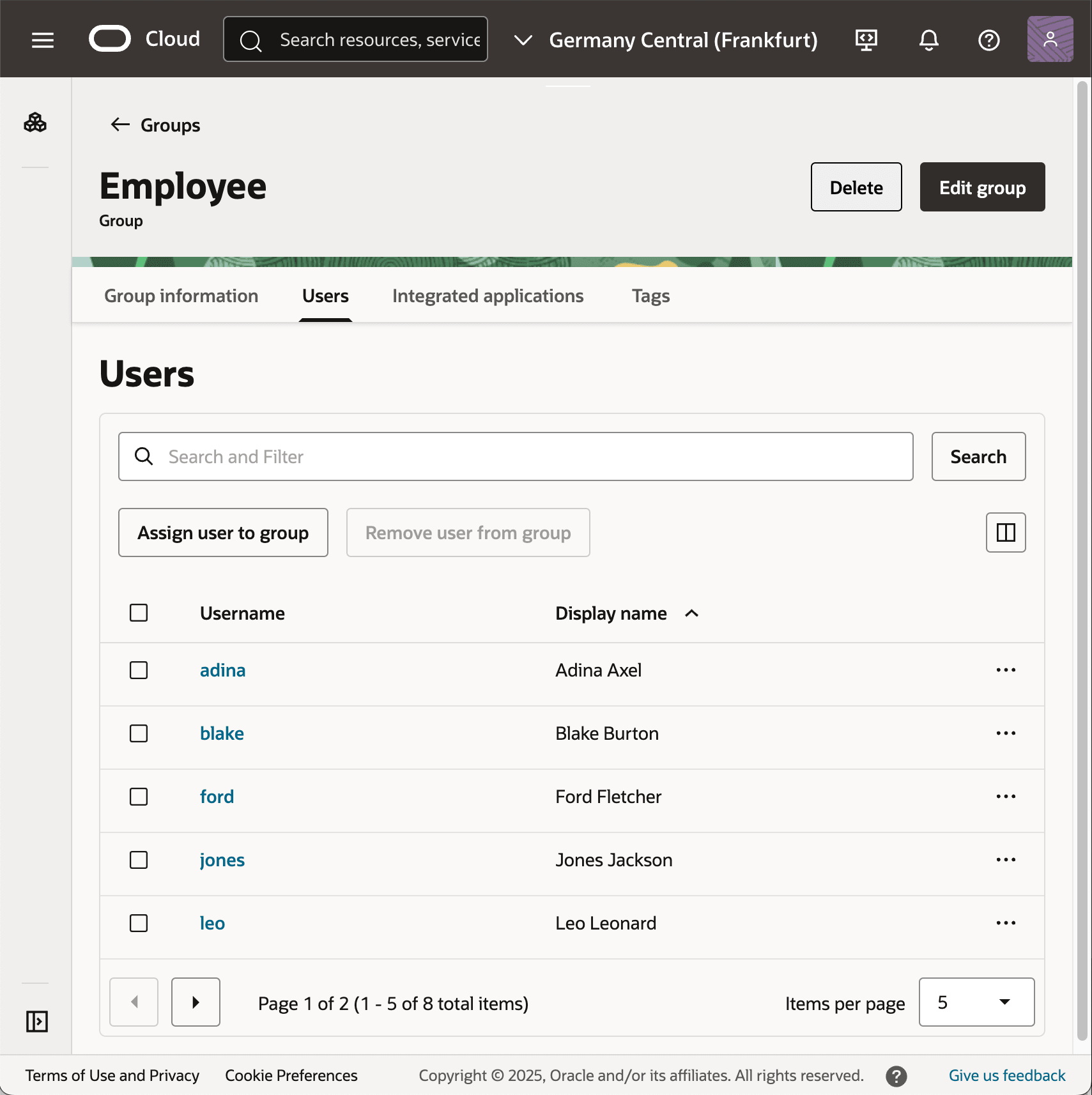
As shown below, while editing a group like Employee, use the Users tab
to assign users to the group. All eight (8) users are members of the Employee
group. As in the APEX Accounts example, you use the same approach to assign user susan to
the HR Rep group and user adina to the App Admin
group.
Figure 11-30 Domain Group Assignments in Identity Cloud Service
Parent topic: Integrating an External Identity Provider