8.5.5.1 Clearing State with Link Target Settings
Anywhere in APEX, when you define a target link to a page you can optionally configure a list of one or more page numbers whose session state values you want to clear.
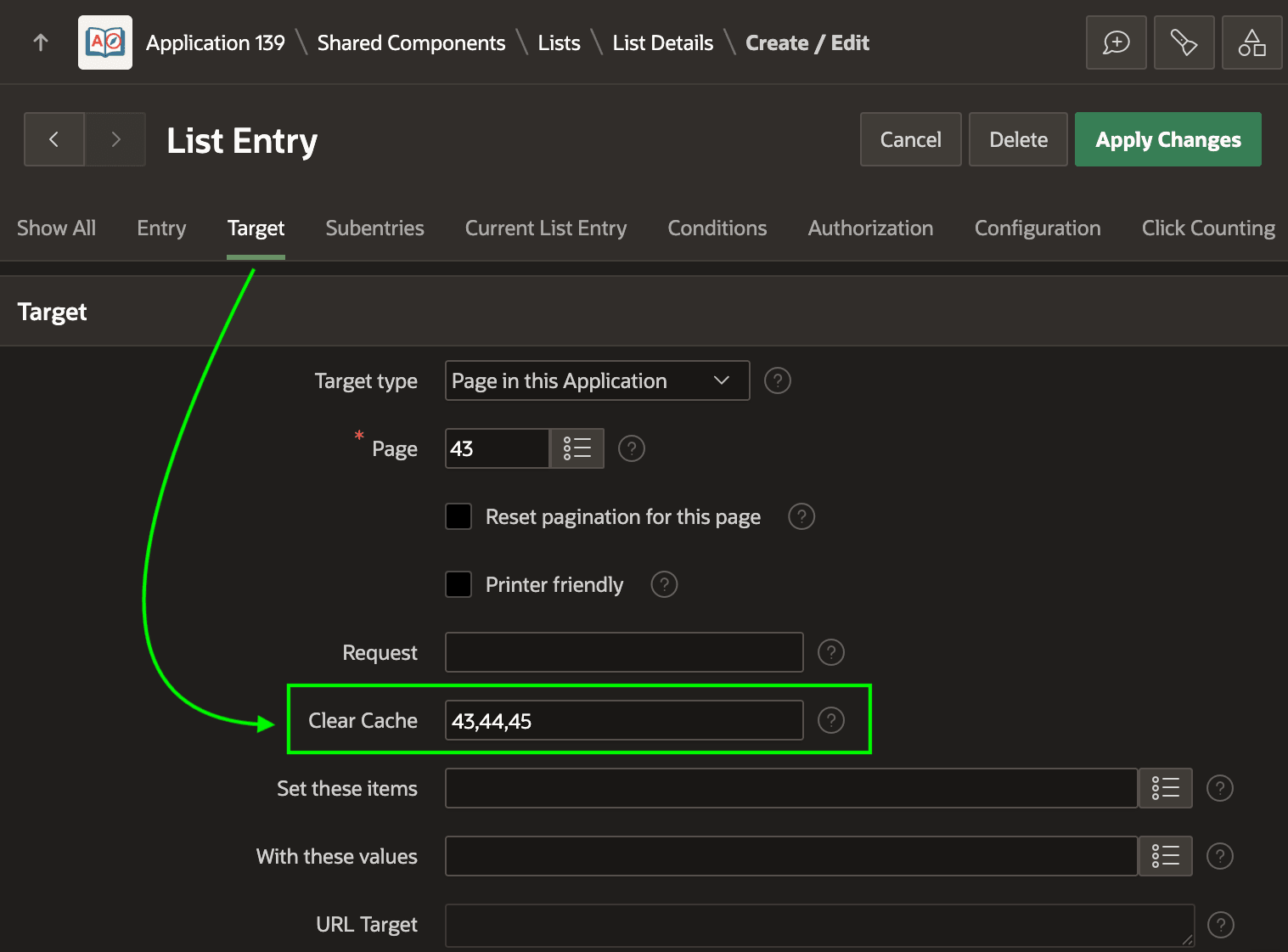
For example, the figure below shows the Target tab of Onboard New
Employee navigation menu list entry. Notice its Clear Cache setting is
set to the comma-separated list of page numbers 43,44,45. In addition
to page numbers, you can also list collection names to clear, as well as the special
value RP to clear report pagination on the listed pages.
Figure 8-24 Clearing Session State in Link Target Settings
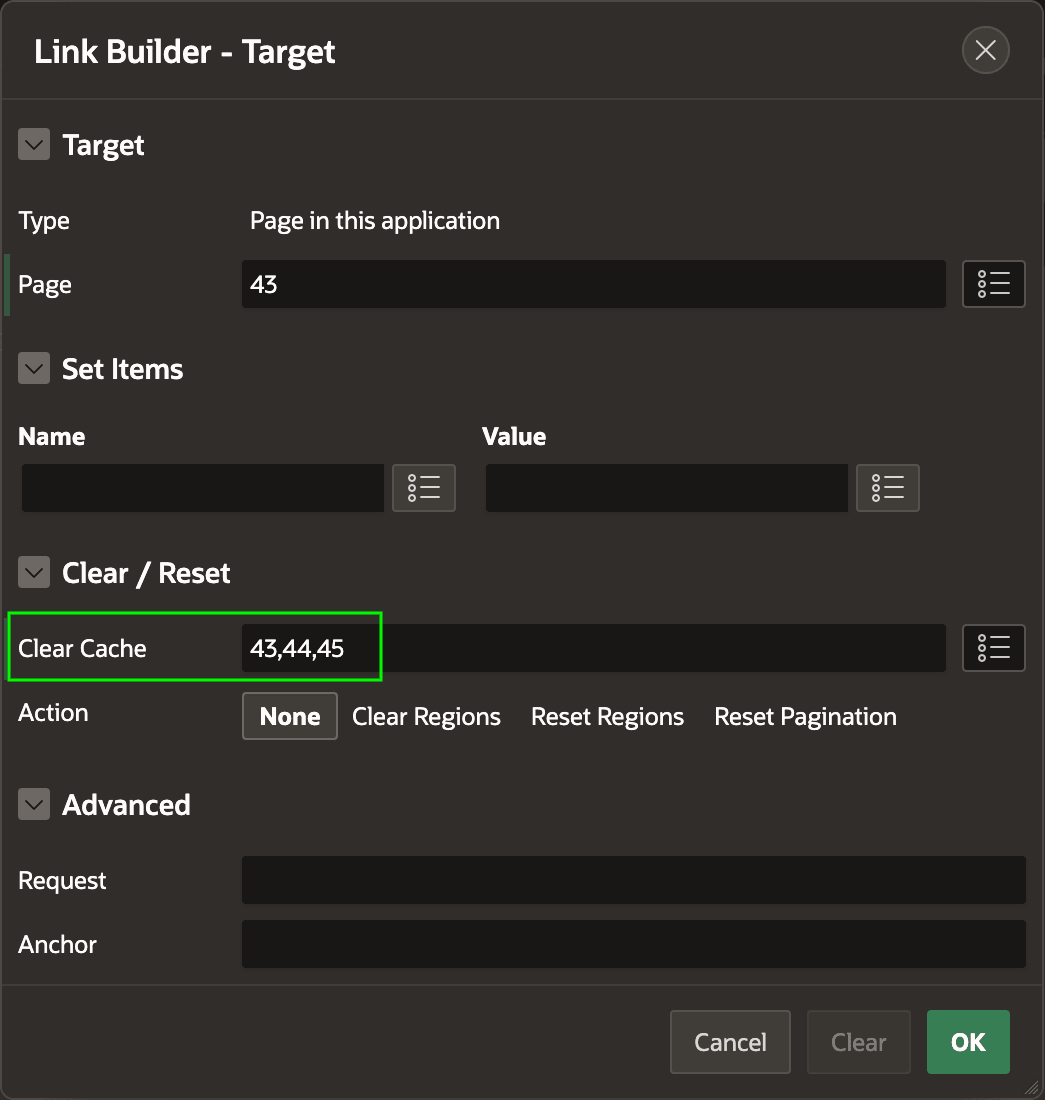
As shown below, the same settings are available in the Link Builder dialog when configuring the target of a button or link.
Figure 8-25 Clear Cache Setting in Button Target Dialog
Parent topic: Clearing Session State